Question

Authorization Callback Domain stuck in "Application settings"

  • February 24, 2026
  • 14 replies
  • 79 views

Forum|alt.badge.img+1

Hi all,

After testing in dev env, I tried to change the domain for production, but it seems stuck with the previous (dev domain), even after 24h (3 days to be honest).

The field contains “proddomain.com” and I’m still able to use “devdomain.com” and cannot use the prodomain, get a forbidden.

Any hints on how to change this ?

14 replies

Jan_Mantau
Superuser
Forum|alt.badge.img+27
  • Superuser
  • February 24, 2026

Can you give us more information what you are trying to do and what “Application settings” you mean?


Forum|alt.badge.img+1
  • Author
  • Hub Rookie
  • February 24, 2026

Hi Jan ! Sure ! 

I did developed the app in test environment, then moved to prod.
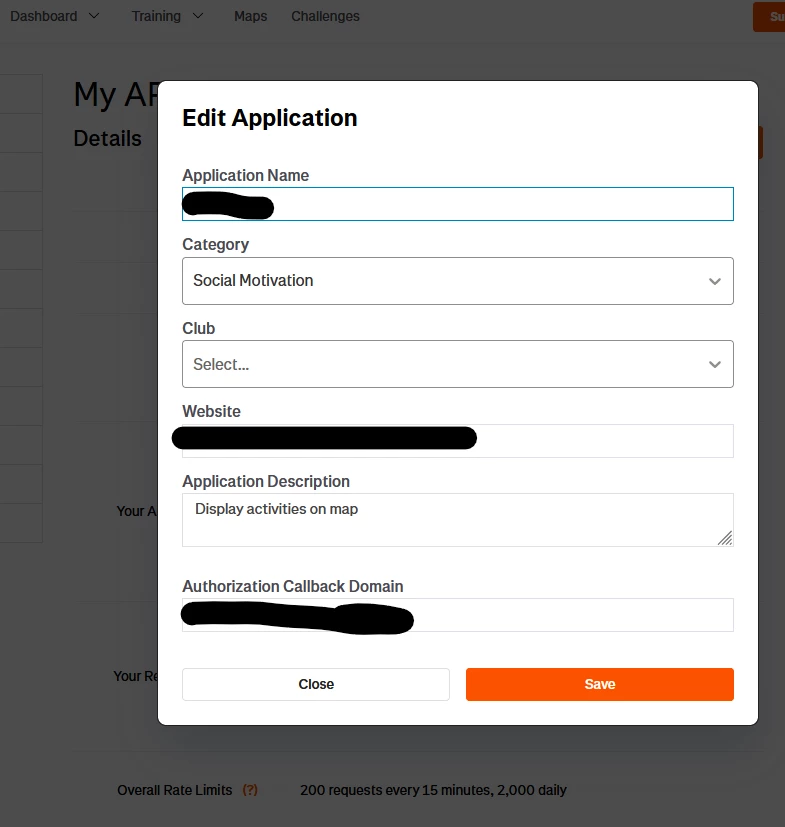
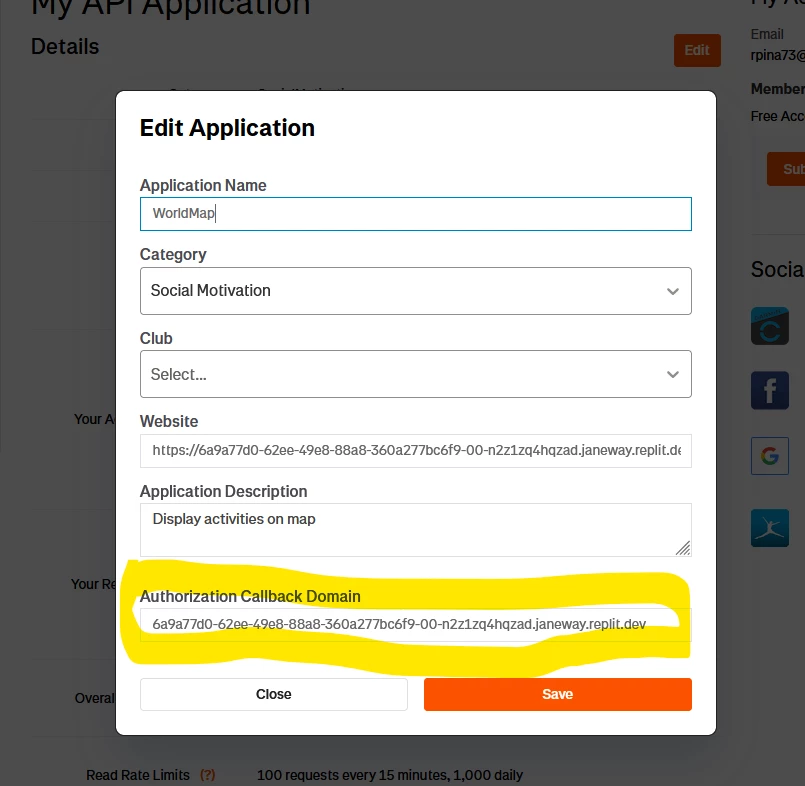
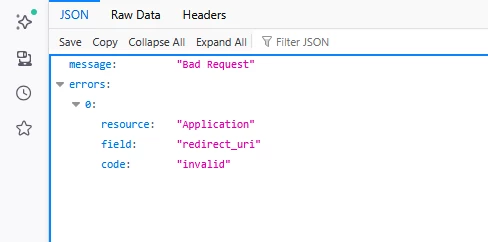
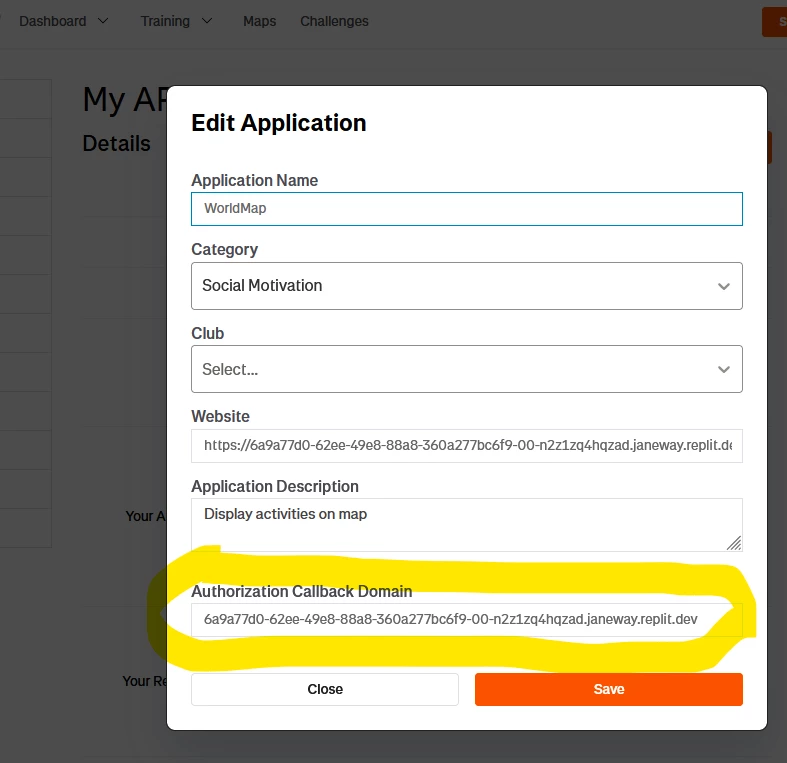
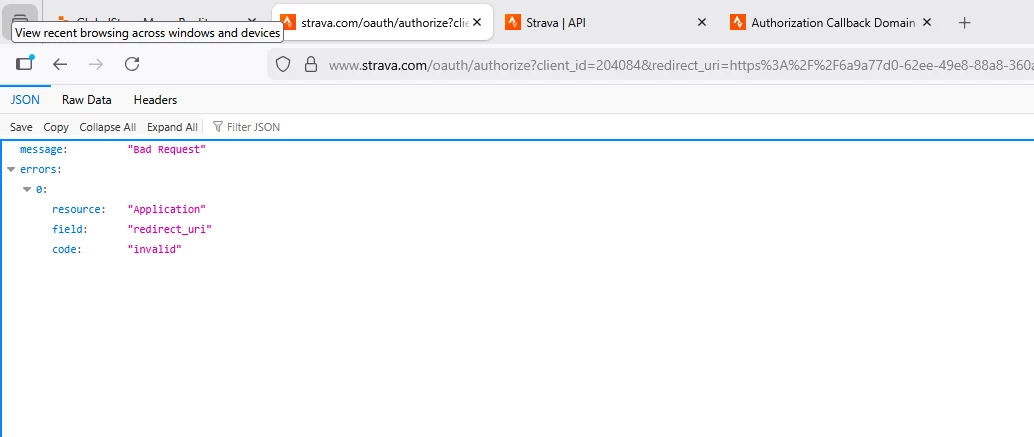
For this, I’ve changed the Authorization Callback Domain, in the screen below, to the prod domain, but keep getting a bad request, redirect_uri invalid

essage "Bad Request"
errors  
0  
resource "Application"
field "redirect_uri"
code "invalid"


Right Now, it’s configured to the prod domain, which doesn’t work (the change was last sunday, 3 days ago). But, the dev env is still working, so internally it must be set to the old value.

How can I change that effectivelly ? or better, have 2 domains to faciilitate testing and deploying ?

Thanks


Jan_Mantau
Superuser
Forum|alt.badge.img+27
  • Superuser
  • February 24, 2026

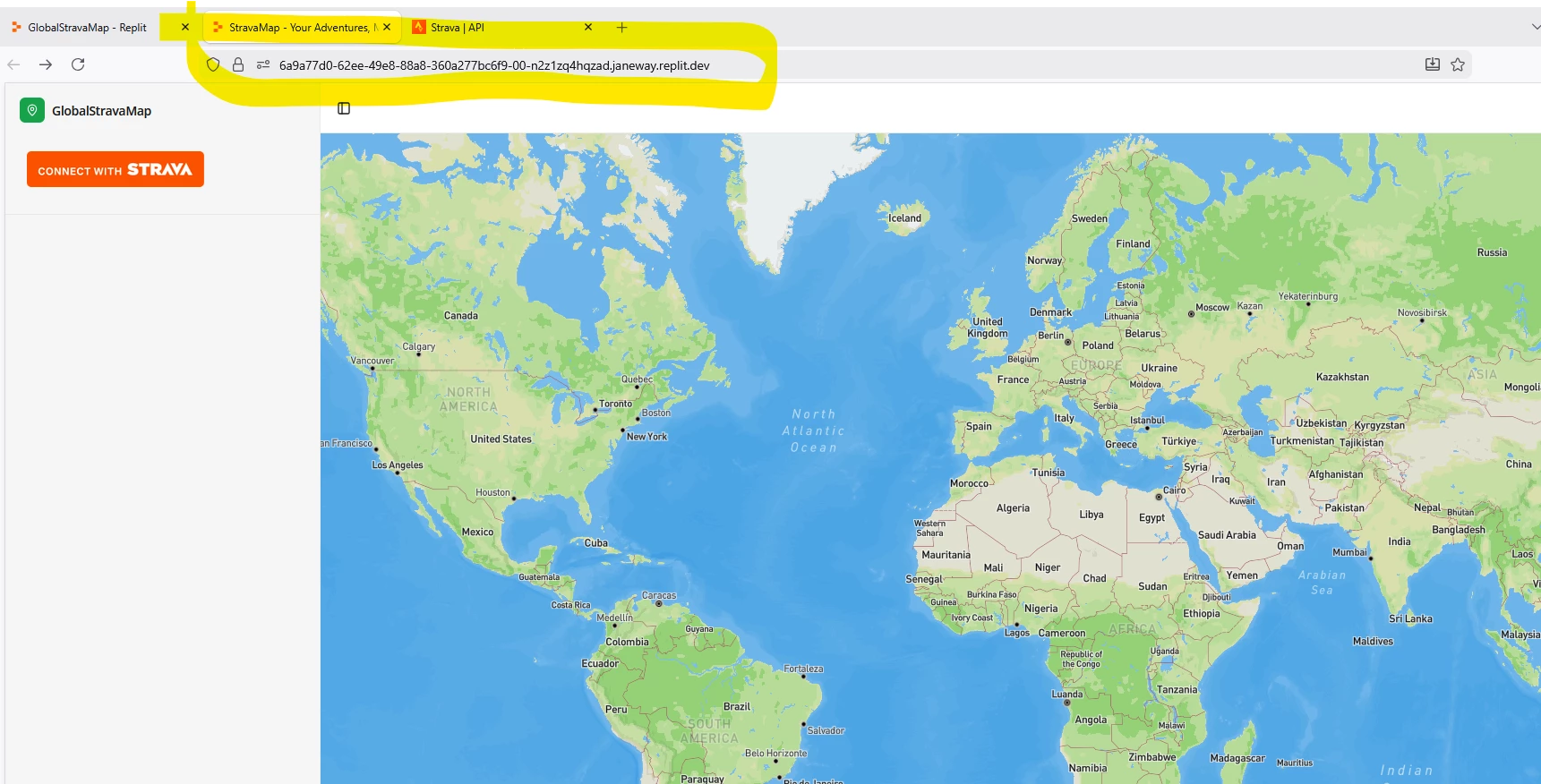
That means a user trying to authorize your app gets this error? The callback domain is part of the URL in the authorization dialog, you can check what is used there: 


Forum|alt.badge.img+1
  • Author
  • Hub Rookie
  • February 25, 2026

Yes, I got this error when trying to authorize in the production env.

The weird thing is, the domain NOW at the config is the PRODUCTION, that doesn’t work. But works on dev domain, that is different from the configured !


Jan_Mantau
Superuser
Forum|alt.badge.img+27
  • Superuser
  • February 25, 2026

I can’t remember what the mentioned config is good for, but the authorization URL is one you build yourself in your application and does not use this config. 


Forum|alt.badge.img+3
  • Hub Rookie
  • February 26, 2026

Have you verified the callback domain is the same as the redirect URI’s you’re using (check your request logs if there is such a thing)?
Also do you have any kind of redirect within your server that basically redirects your proddomain to devdomain, for whatever reason?

Some sort of authentication on your side perhaps you’re not setting properly (Just replied to another topic yesterday which turned out to be strava hit their redirect uri but that got rejected by their side due to authentication missing).


Forum|alt.badge.img+1
  • Author
  • Hub Rookie
  • February 26, 2026

I can’t remember what the mentioned config is good for, but the authorization URL is one you build yourself in your application and does not use this config. 

Sure, but it has to match to this config.


One more info, I’m still ‘alone’, I mean, I still didn’t get approval from strava for this app.


Forum|alt.badge.img+3
  • Hub Rookie
  • February 26, 2026

One more info, I’m still ‘alone’, I mean, I still didn’t get approval from strava for this app.

Not sure there’s any approval at all. I created an app without review, I’ve changed the domain 7-8 times already between localhost and postman’s and all it took was to hit Save.


Forum|alt.badge.img+1
  • Author
  • Hub Rookie
  • February 26, 2026

One more info, I’m still ‘alone’, I mean, I still didn’t get approval from strava for this app.

Not sure there’s any approval at all. I created an app without review, I’ve changed the domain 7-8 times already between localhost and postman’s and all it took was to hit Save.

Ouch ! Understood. I need to solve this :).
The mistery is right now the domain in strava is the prod one, and I’m testing dev domains… and prod domain is not authorized when I try...


Forum|alt.badge.img+3
  • Hub Rookie
  • February 26, 2026

If redirect_uri is on the same domain as the one in the application settings, then maybe the problem is on the redirect_uri itself, or the authentication on the prod domain.

You could remove authentication for a minute, check you are getting the request and if you do, then it’s an authentication issue, if you don’t, then the redirect_uri is wrong, or it’s being re-redirected somehow and the whole thing fails.


Forum|alt.badge.img+1
  • Author
  • Hub Rookie
  • February 26, 2026

If redirect_uri is on the same domain as the one in the application settings, then maybe the problem is on the redirect_uri itself, or the authentication on the prod domain.

You could remove authentication for a minute, check you are getting the request and if you do, then it’s an authentication issue, if you don’t, then the redirect_uri is wrong, or it’s being re-redirected somehow and the whole thing fails.

How to remove it at strava side ?


Forum|alt.badge.img+3
  • Hub Rookie
  • February 26, 2026

Not talking about removing authentication on Strava’s side, but yours….your domain’s/server’s.


Forum|alt.badge.img+1
  • Author
  • Hub Rookie
  • February 26, 2026

Ok, I’ll check as soon as I get to the prod env and get back here.
Thanks guys !


Forum|alt.badge.img+3
  • Hub Rookie
  • February 27, 2026

Another possiblity that I remembered is your server’s expected protocol. Check for typo in your redirect uri against what your server expects. Also internally sometimes, servers have config to upgrade http to https, which basically redirects to https. If yours hasn’t got it, it expects https and you hit http, then it will fail.

Also, as mentioned here, check whether your production has Cloudflare behind it...another layer of issues right there.