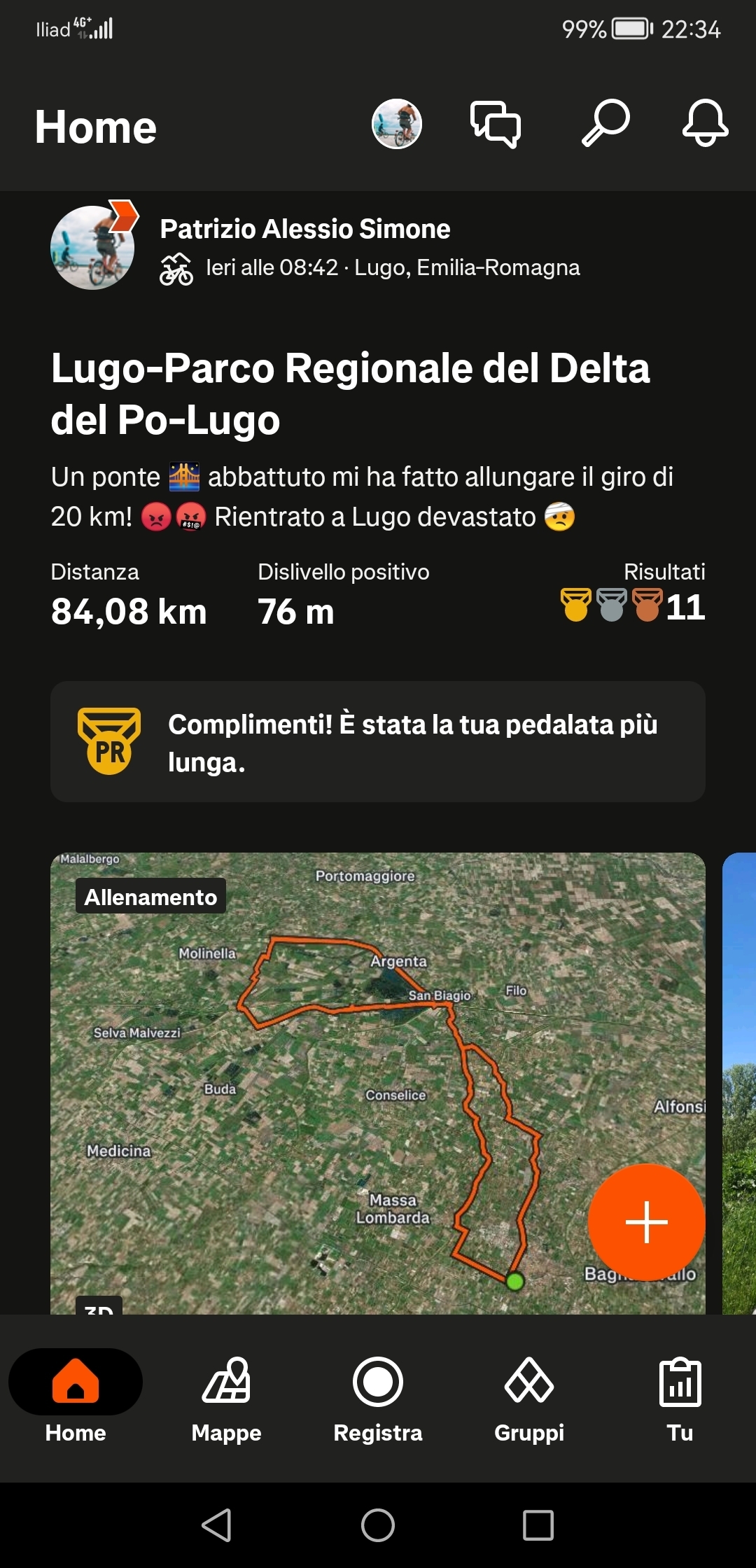
I'm experiencing a maps problem: I can see my routes and those of the people I follow only in a "preview mode". When I click on the route Strava doesn't show anything and the app crash going back to the main page. What's going wrong? Please help me.
Thanks!
Patrizio
Best answer by Patrizio
Ciao Patrizio. Sorry for this. Are you currently experiencing the issue? If so have you tried to log out and log in again or uninstall the app? The known issue I highlighted above seems to be solved.
Thanks Vincenzo, I finally solved as you suggested by unistall the app and install it again. Now it seems ok. Thank you!
Vincenzo I see the routes in home feed and profile feed, it's not a delay problem. Each time I click on any route Strava opens the specific page with all the statistics (time, speed, slope etc.) but I don't see the map.
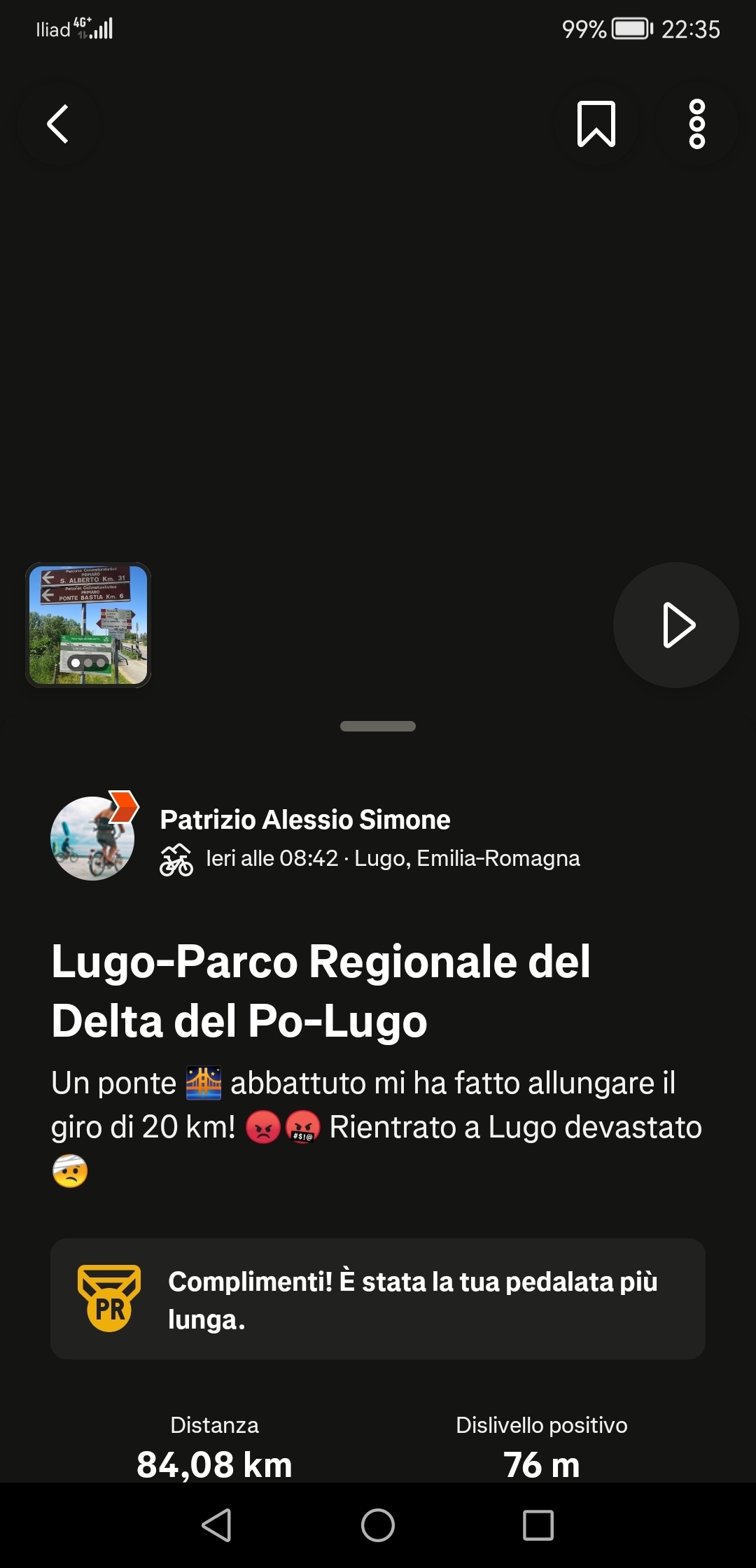
This is my last performance after I click on it in the home feed. As you can see Strava doesn't show the map and if you click on the black space the application crashes and redirects you in the home feed if you are lucky.
Ciao Patrizio. Sorry for this. Are you currently experiencing the issue? If so have you tried to log out and log in again or uninstall the app? The known issue I highlighted above seems to be solved.
Ciao Patrizio. Sorry for this. Are you currently experiencing the issue? If so have you tried to log out and log in again or uninstall the app? The known issue I highlighted above seems to be solved.
Thanks Vincenzo, I finally solved as you suggested by unistall the app and install it again. Now it seems ok. Thank you!