Answer

strava oauth approval_prompt

  • November 25, 2023
  • 11 replies
  • 193 views

Forum|alt.badge.img+4

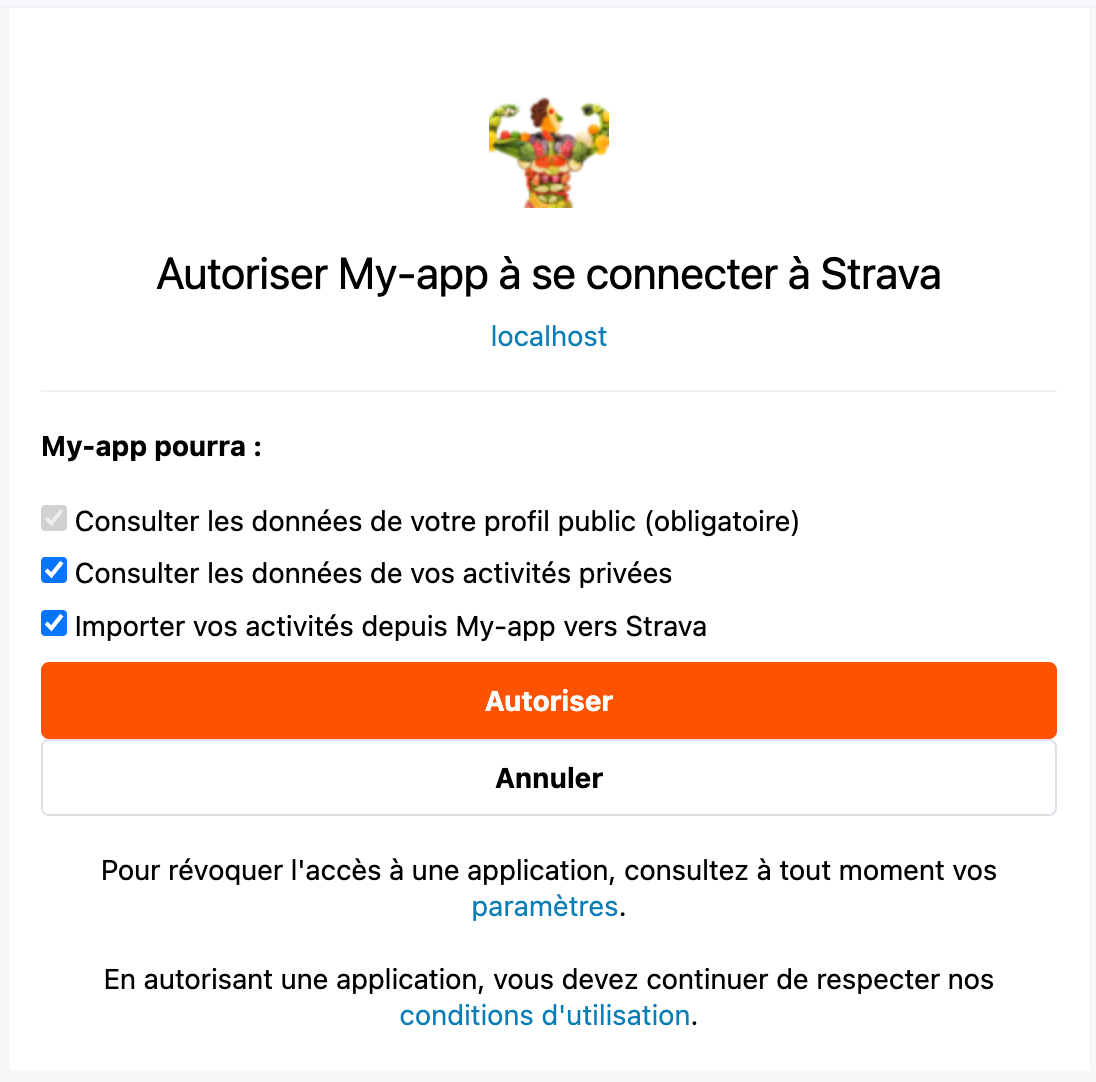
Hello, I have a problem with strava authentication. When the user logs in for the first time everything goes well. However, during subsequent connections it still requires authorization to connect to the Strava account instead of directly connecting it to my application. The approval_prompt parameter is of course "auto". I don't see where the problem could be. Thanks in advance

Best answer by maheshw

Never mind, figured it out, You need to request the "read" scope as well. 
In my case:
Before: query.Add("scope", "activity:read");
After: query.Add("scope", "read,activity:read");

11 replies

Jan_Mantau
Superuser
Forum|alt.badge.img+27
  • Superuser
  • November 25, 2023

From the very sparse info you provided it would seem that you let known users every time connect to Strava instead of skipping this step on subsequent logins by using saved access tokens.


Jan_Mantau
Superuser
Forum|alt.badge.img+27
  • Superuser
  • November 26, 2023

<Deleted>


lopey66
Forum|alt.badge.img+15
  • Hub Explorer
  • November 26, 2023

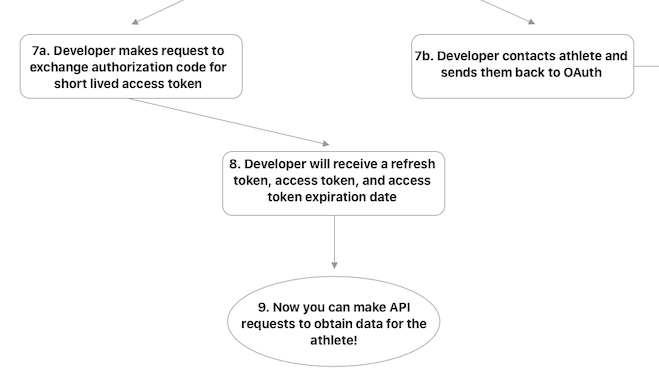
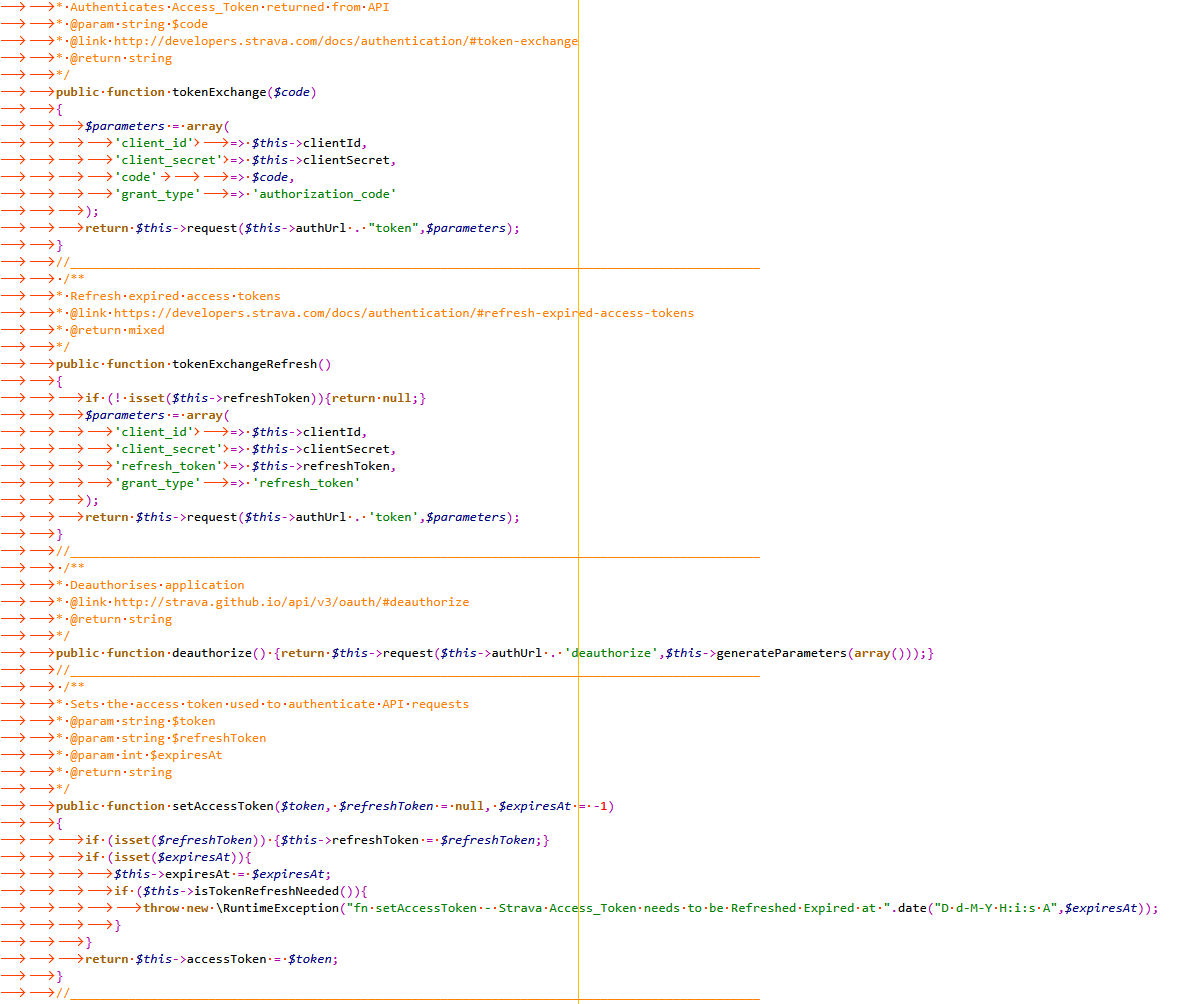
authorization lasts 6 hours or so, meaning the token issued lasts 6 hours (7a), that last token (refresh token) issued is used again to re-authorize and issue a new refresh token  https://developers.strava.com/docs/getting-started/#oauth  


Forum|alt.badge.img+4
  • Author
  • Hub Rookie
  • December 4, 2023

Every time a user logs in using strava to my site. It must each time authorize as above instead of being directly connected.


lopey66
Forum|alt.badge.img+15
  • Hub Explorer
  • December 4, 2023

I see your using localhost, is your website redirecting localhost ? when it should be your website if so go to https://www.strava.com/settings/api and then edit and add your website, as when other users will be redirected after they accept using your API, I don't think localhost is allowed(does not work ?). also you may need to revoke access your in apps https://www.strava.com/settings/apps . what should happen is the refresh token authenticates in the background. your authentication should only happen once and then it will appear in the apps of every user who is using your app/api  


Forum|alt.badge.img+4
  • Author
  • Hub Rookie
  • December 4, 2023

Yes, I correctly entered the authorization domain but even in production, it asks me each time to authorize the application to access my Strava profile instead of connecting directly.


lopey66
Forum|alt.badge.img+15
  • Hub Explorer
  • December 4, 2023

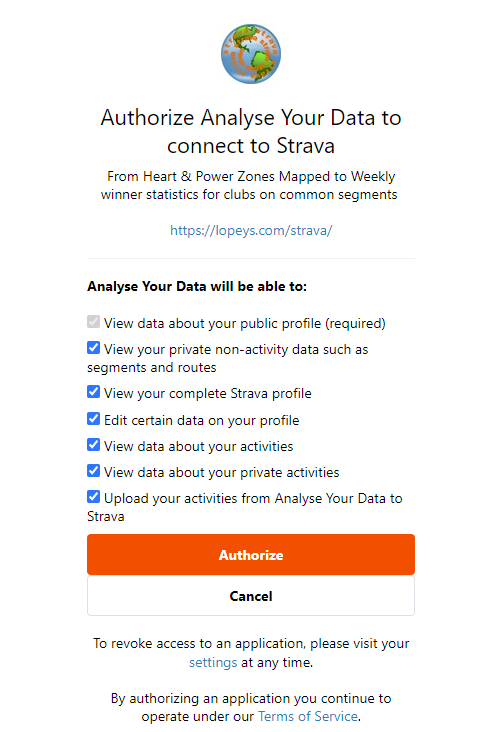
Here is mine - this is my url connection (button) https://www.strava.com/oauth/authorize?client_id=1921&response_type=code&scope=read,read_all,activity:read,activity:read_all,profile:read_all,activity:write,profile:write&approval_prompt=force&redirect_uri=https://lopeys.com/strava/authorize.php?lrurl=/strava/login.php change your client_id & scopes as I have both read & write and also your redirect url to point to your page, from there you have to process your tokens, I have shared some of my code.


Forum|alt.badge.img+3
  • Hub Starter
  • December 5, 2023

@Dilhan973 Did you figure it out? Running into the same issue on localhost.


Forum|alt.badge.img+3
  • Hub Starter
  • Answer
  • December 5, 2023

Never mind, figured it out, You need to request the "read" scope as well. 
In my case:
Before: query.Add("scope", "activity:read");
After: query.Add("scope", "read,activity:read");


Forum|alt.badge.img+4
  • Author
  • Hub Rookie
  • December 5, 2023

Thank you very much, that was exactly it.


Forum|alt.badge.img+2
  • Hub Starter
  • January 21, 2024

Excellent. I was having the same issue. Looks like this was my problem as well. For those using Node.js Passport StravaStrategy use:

scope: 'read,activity:read_all''