
Software should be fun. So should your training. Roast My Strava is my attempt to do both.
Here’s how I brought AI to the Strava API, and turned it into an app that brings joy to thousands of athletes.
The Spark
I get my best ideas when I'm running. While looping Central Park or running on the West Side Highway, I often think about what new website or app I could build that every runner and cyclist I pass would actually want to use.
I’m also inspired by my favorite creators who've leaned into their own unique expression, like the SWAP podcast or Semi-Rad.
Then, last summer, I noticed a trend: people were asking ChatGPT to roast their Instagram. They'd screenshot their profile, paste it into the chat, and wait for the AI to respond.
It worked, but it was clunky. You had to grab a screenshot, switch apps, upload the image, and then explain what you wanted. And the result was still pretty generic, because the AI didn't know anything about you beyond that one screenshot.
There were two problems: the friction and the genericness. A good roast requires insider knowledge. It has to speak the language.
Runners and cyclists have their own language. We obsess over splits and what Zone 2 actually is. We do the same loop over and over again just to become the Local Legend. We run a mile around the block at 11 PM after traveling all day just to keep our run streak alive.
And Strava has a log of it all. Years of data, just sitting there behind an API. It was almost too obvious… just connect your account and let the roast write itself.
The Build
A few weeks later, I was in the back of my parents' car on a road trip: laptop open, hotspot on, nowhere to be. Perfect conditions for a new project.
The architecture came together fast because I kept it simple.
- User signs in with Strava via OAuth
- Pull their profile info, stats, and recent activities
- Construct a prompt with the data
- Send it to an LLM
- Return the roast
That's it. Just the data and a bit of prompt engineering. (This is where you can roast me for just building an "LLM wrapper," but hear me out.)
Software needs to be intuitive. The entire first version of the app was an email field and a "Connect with Strava" button. After authentication, users saw one thing: a button that said "Roast My Strava."
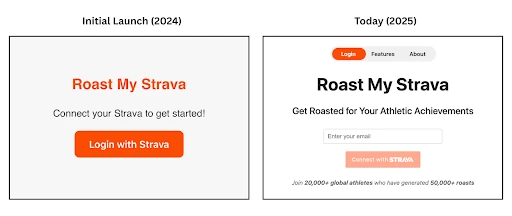
Remove all the friction between curiosity and payoff. The simplicity was intentional. So were a few other design decisions.
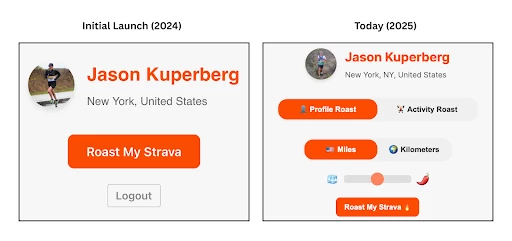
Instead of just processing activity data, I also access the user's profile picture, leveraging multimodal models that can process both text and images. Then, I explicitly instruct the model to comment on the photo.
Users expect jokes about their pace or weekly mileage. They don’t expect the AI to call out what’s in their profile picture. It’s a total surprise, and gives the feeling that the AI actually *looked* at them. A small intentional choice with a big impact on the experience. And because the outputs are different every time, users keep coming back to roll the dice again.
The Feedback Loop
After I first got approved by the Strava Developer team, I deployed a version of the app and shared it with my sister and a few running friends. Their response was... fine. They tried it, told me that they liked my new little website, and moved on.
I almost left it there, but something told me to just send it. One night, Roast My Strava was posted to the Strava subreddit with zero expectations. Within an hour, it was trending.
The comments and feedback were coming quickly, and Reddit's voting system highlighted what people wanted.
It was already late that night, but momentum is everything. So much for my sleep score. I stayed up and shipped three new updates that night based on feedback from early users:
More sports. I'm primarily a runner, so the initial build focused on just run data. Cyclists called this out quickly, and the Strava API made it easy to get the data. I also updated the prompt to dynamically adapt based on activity counts, focusing on whatever sport the user actually does most (or when to cover multiple, for the triathletes).
Roast me harder. Many early users said the outputs were too lighthearted. They wanted a real burn. I turned up the system prompt, tested different AI models, and added a slider so users could choose their own roast level.
Activity roasts. People didn't just want their overall profile roasted, they wanted to roast specific workouts or races. So I added activity selection, hit the activity detail endpoints, and built a new prompt template.
With just a few hours of work, the app was meaningfully better than when it was first posted, all by listening to user feedback.
Designing for the Screenshot
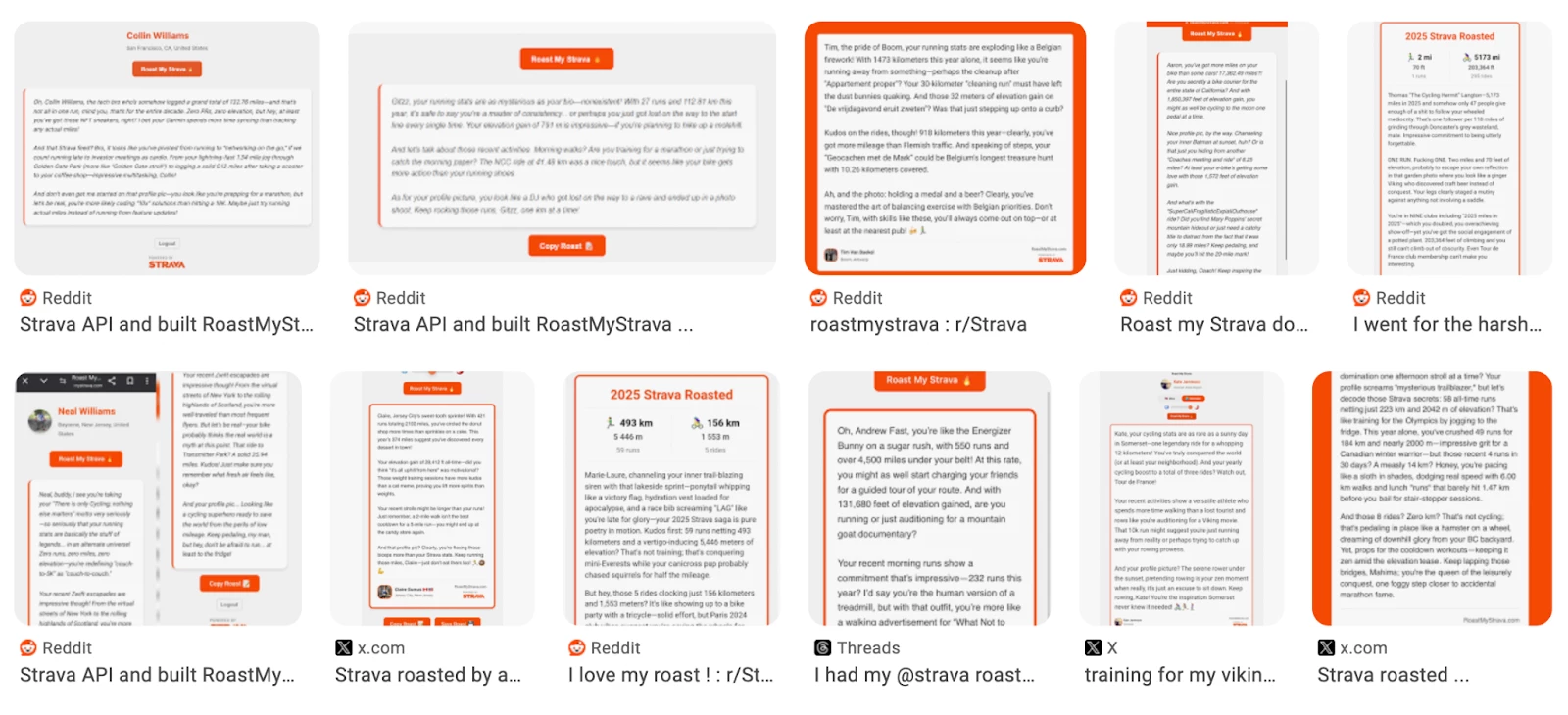
The growth of Roast My Strava has come almost entirely from users sharing their roasts. But this wasn't all luck; it was through intentional design.
At first, I built a "download roast" feature with nice graphics and formatting to share on social media. I implemented it, then watched what people actually did… or rather, what they didn’t do.
They ignored the download button and just took a screenshot. They copy and pasted the text. They were sharing in the way that felt natural to them, not the way I'd designed for.
So I redesigned around their actual behavior.
The screenshot-optimized layout. I made sure the roast text, profile photo, and key stats all fit on a single mobile screen without scrolling.
Embedded attribution. I added a watermark with the URL and "Powered by Strava" logo below the roast result, not as an afterthought, but as a part of the design itself. When someone screenshots and posts to social media, their friends see roastmystrava.com and know how to get their own roast.
The sneaky copy button. When you click "Copy Roast," it doesn't just copy the text, it also appends "Get your Strava roasted at RoastMyStrava.com" to every paste. Subtle, yet effective.
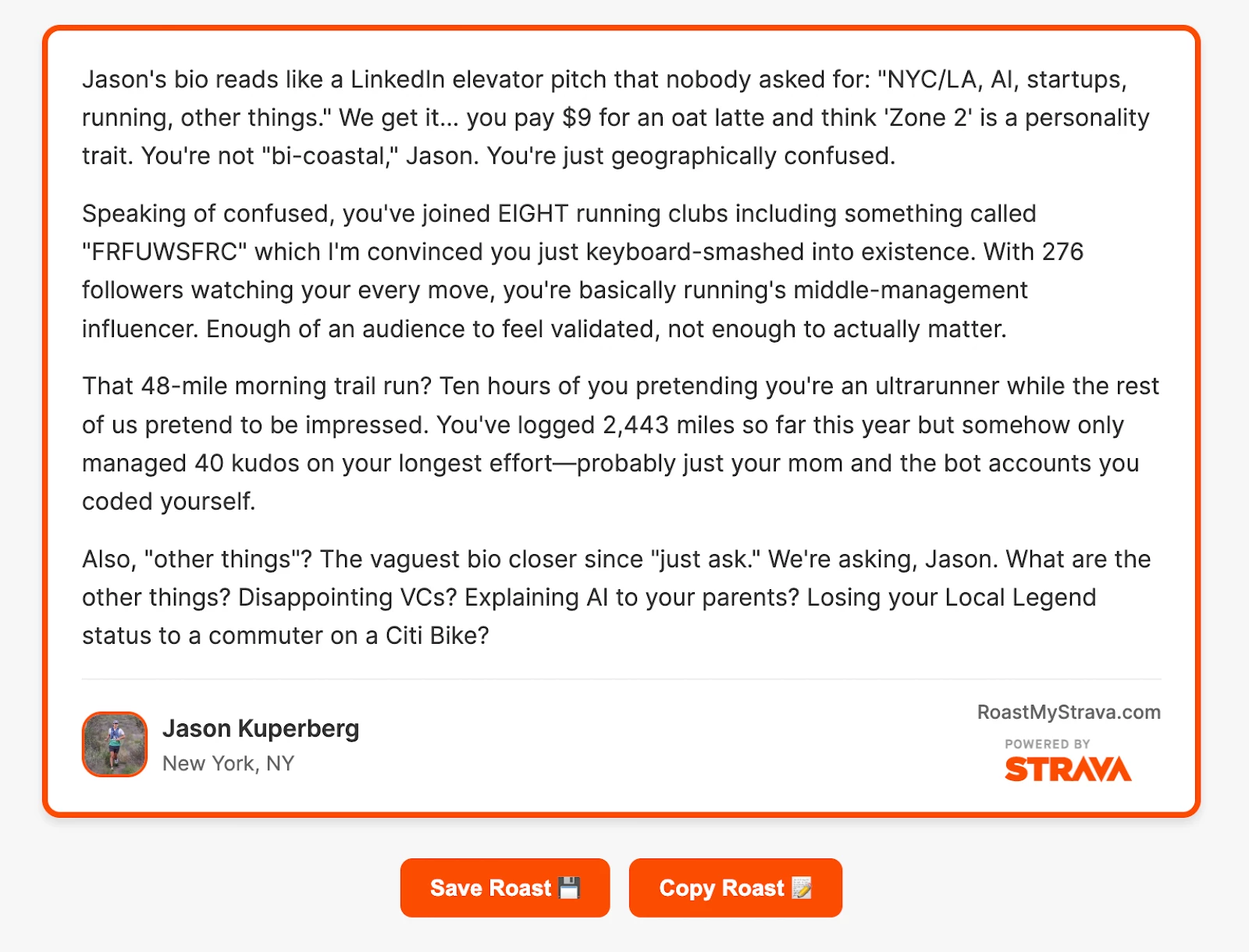
All of these changes were a result of studying how users actually used the app, and following their lead to turn a design failure into an opportunity.
One Year Later
Over the past year, tens of thousands of athletes have had their Strava roasted, including professionals and athletes of all levels around the world.
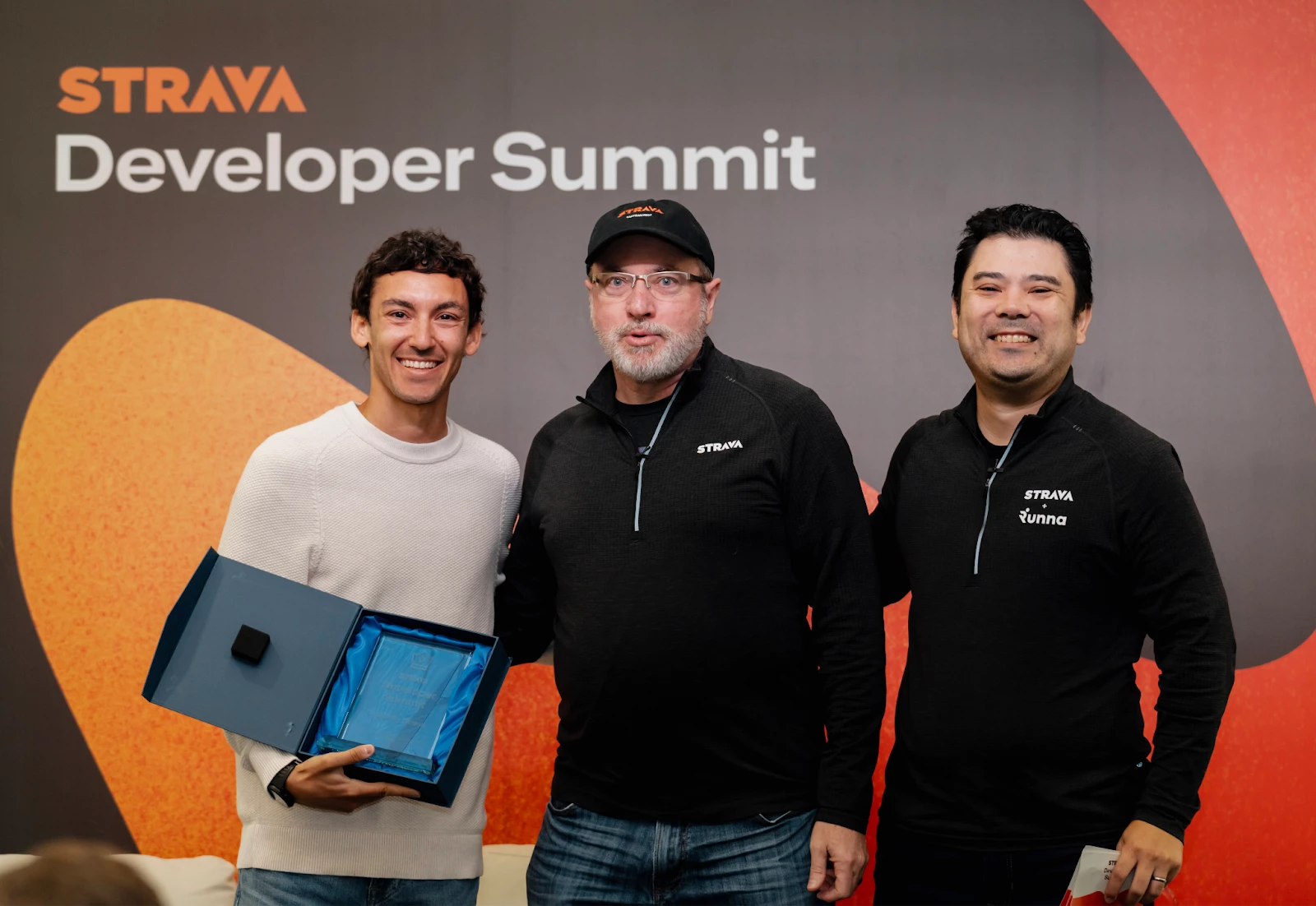
Recently, Roast My Strava was recognized with an App Award at the Strava Developer Summit.
Through it all, I keep coming back to the same thought. AI doesn't always have to be about performance optimization. It doesn't have to be serious. The same technology that powers training analysis can also just be… fun.
If you haven't tried it yet, I'd love to roast your Strava. And if you're building something, or just want to see my latest run get roasted, find me on Strava.