
Answered

[Resolved] "CO2 saved" on non commute downloaded maps

  • July 19, 2025
  • 34 replies
  • 2144 views

Forum|alt.badge.img+1

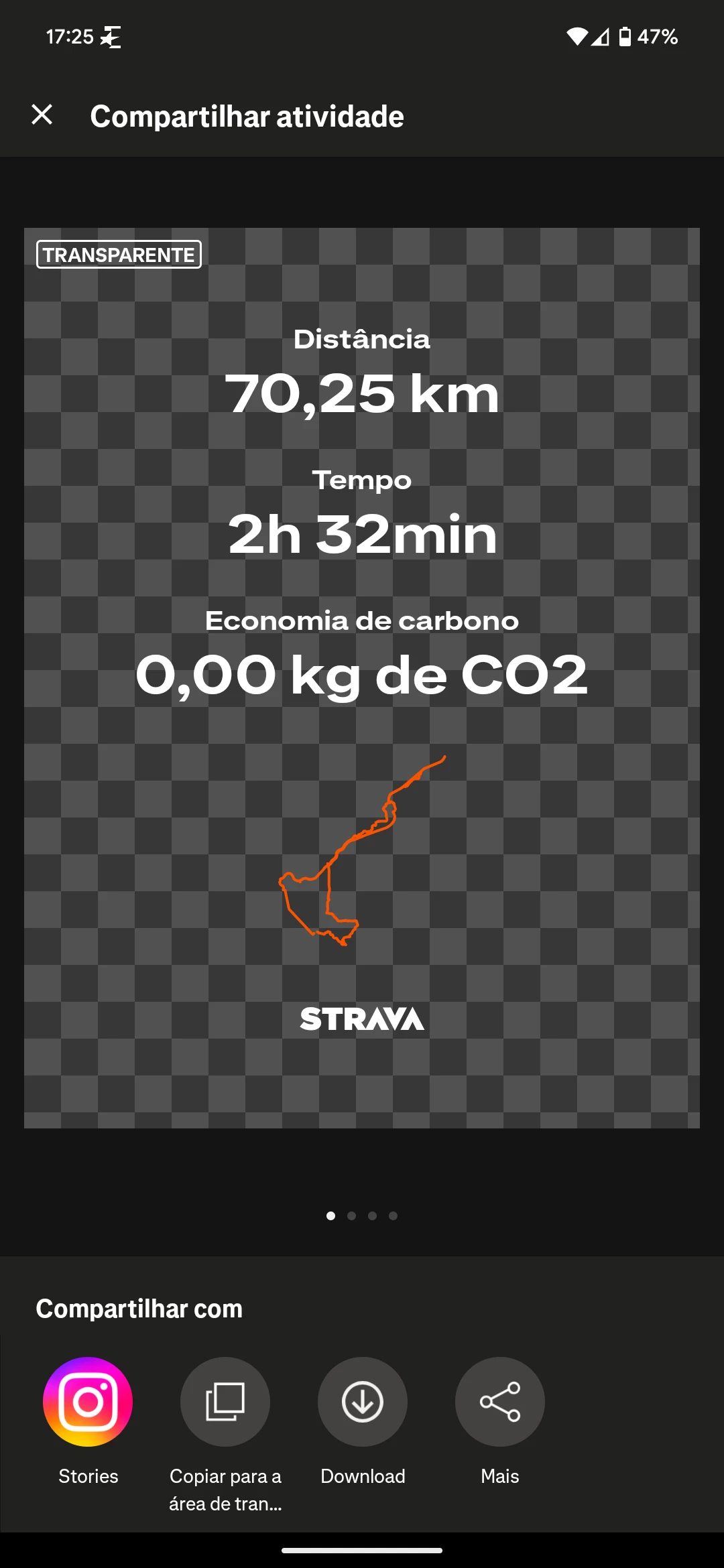
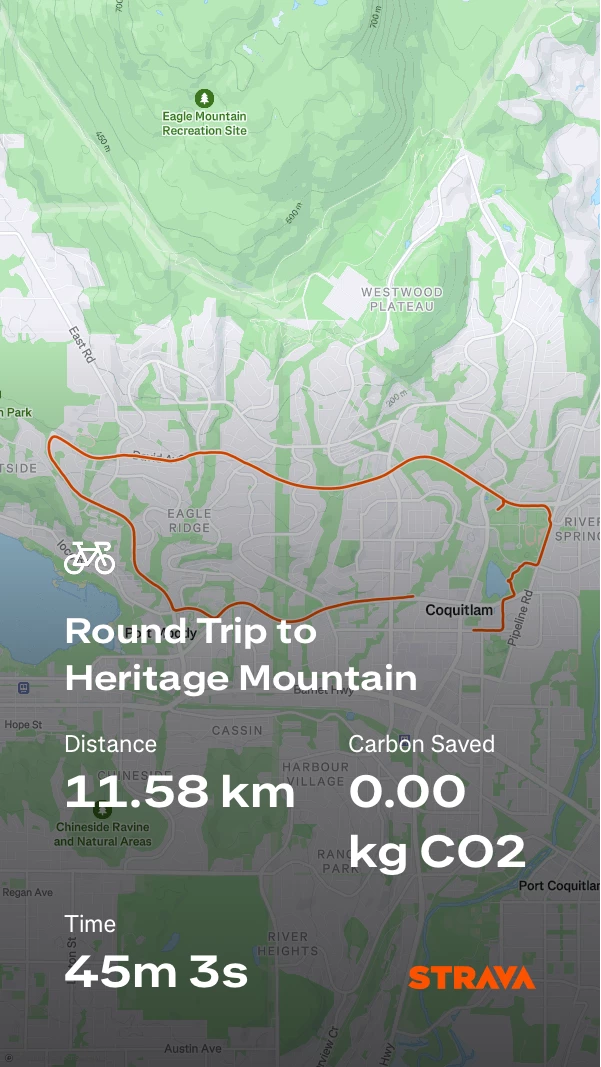
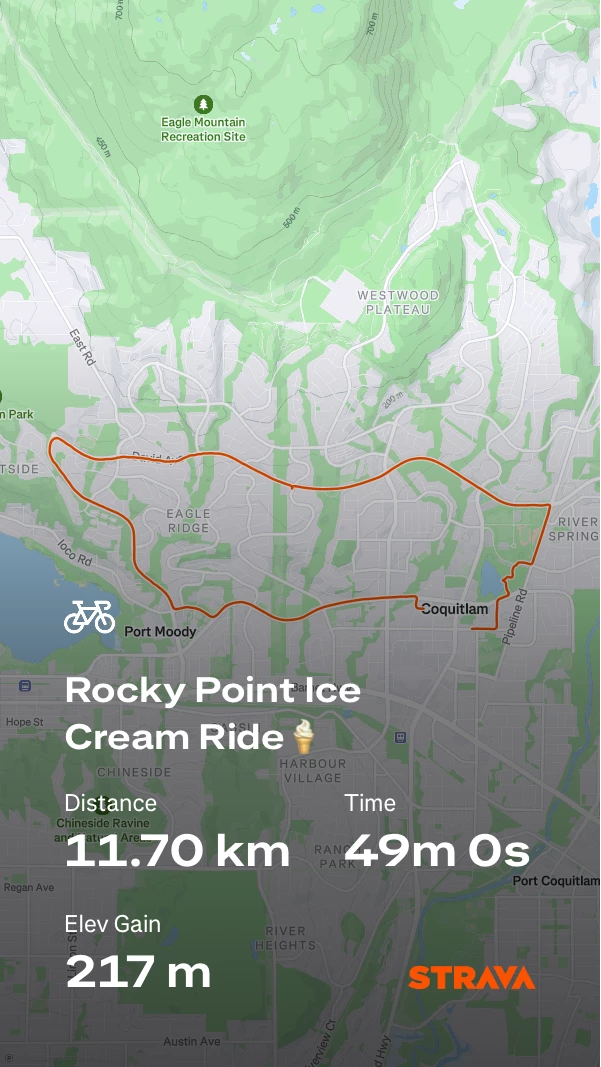
Why now do I see “CO2 saved” on the downloaded map when its not a commute but just a ride? I could give a toss on any ride how much CO2 I save or create. How do I get rid of this on the saved maps?

Best answer by Marya

Hi everyone, confirming that a fix has just been pushed out for this and the issue should now be resolved. Please let us know if the issue is still persisting. Thanks! 

34 replies

Forum|alt.badge.img
  • Hub Starter
  • July 19, 2025

Yes exactly this, today it all of a sudden shows Co2: 0.00 kg.
It is not even tagged an commute ride.


GingerKny
Forum|alt.badge.img
  • Hub Starter
  • July 19, 2025

I’m assuming there’s a mystery technical issue with Strava today (Saturday) 🙄 My ride on Thursday was fine, showing ride time, but today’s ride has decided to change time to Carbon Saved. I have never in all the time I’ve used Strava tagged anything as a commute. If my 31 miles has saved 0.00kg what’s the point of even showing that stat? I’m a free user so shouldn’t really complain, but just wondering if it’s the same for paid members. Or are they deteriorating the free service to encourage folk to go for the paid subscriptions 😉


Forum|alt.badge.img
  • Hub Starter
  • July 19, 2025

Same thing here. After a 43 miles ride it is showing the carbon economy instead of my mediocre time…


Forum|alt.badge.img
  • Hub Starter
  • July 19, 2025

Same thing here... After an 43 mile ride, I have this useless information on my sticker...


BryanC
Forum|alt.badge.img+23
  • Hub Superuser Alumni
  • July 19, 2025

I’m a paying user and I see the same thing.  
 

@Lola Can you ask the Strava team if this is a known issue or a new one?   Thanks


GingerKny
Forum|alt.badge.img
  • Hub Starter
  • July 19, 2025

well I raised a ticket with customer support and this is the reply I got. As you can see it’s a bit pointless. Hopefully it’ll sort itself out because Strava seem to be a bit incompetent


Forum|alt.badge.img
  • Hub Starter
  • July 19, 2025

Ugh. What a mess glad I stopped paying for it awhile ago. These random annoyances seem to continue 🤦‍♀️ 


Forum|alt.badge.img+1
  • Hub Starter
  • July 20, 2025

If you want to calculate CO2, tick ride type "commute".

But agree, this information is not needed on sticker and should be optional.


Forum|alt.badge.img+1
  • Hub Starter
  • July 20, 2025

How is this thread marked as "solved"? The issue persists. I am facing it as well since yesterday.


Jan_Mantau
Forum|alt.badge.img+27
  • Hub Superuser Alumni
  • July 20, 2025

How is this thread marked as "solved"? The issue persists. I am facing it as well since yesterday.

I don’t know who marked that as”Solved” but I undid that.


Forum|alt.badge.img+1
  • Hub Starter
  • July 21, 2025

well I raised a ticket with customer support and this is the reply I got. As you can see it’s a bit pointless. Hopefully it’ll sort itself out because Strava seem to be a bit incompetent

How is this thread marked as "solved"? The issue persists. I am facing it as well since yesterday.

I don’t know who marked that as”Solved” but I undid that.

I have raised a ticket with customer support as well, today. I am quite pissed, so I purposely have an aggressive tone in my ticket so that the developers take it seriously.


Wattnissen
Forum|alt.badge.img+2
  • Hub Rookie
  • July 21, 2025

Incredibly annoying. I have the same, and it’s only on the activities since Saturday and after, all my rides up till Friday shows distance, elevation gain and time. 
Chalk it up to yet another f-up in the Strava app. The designers are clearly on drugs. (I’ve been annoyed for months now by the fact that if you hit enter *inside* text in the activity description the line break is added, but the “cursor” moves to the very end. I mean, it’s not like text input is an advanced feature, and something that the Strava devs need to invent from scratch 🤷🏼‍♂️)


Wattnissen
Forum|alt.badge.img+2
  • Hub Rookie
  • July 21, 2025

If you want to calculate CO2, tick ride type "commute".

But agree, this information is not needed on sticker and should be optional.

The issue is that this is happening on activities which are not, and have not been, marked as commutes.
It’s most helpful if you refrain from replying with a “solution” if you don’t understand the problem.


Forum|alt.badge.img+1

I am a paying user and same issue here - thanks for raising the ticket ! 
on top of that, it always shows 0 co2 saved even I did a 90k ride 😂 useless 


Marya
Community Manager
Forum|alt.badge.img+22
  • Community Manager
  • July 21, 2025

Hi everyone, thanks for flagging this. Our product team has just rolled out a fix for this - please try restarting and/or force closing the app and trying once again. If the issue persists, please let us know. 


Forum|alt.badge.img
  • Hub Starter
  • July 21, 2025

@Marya didn’t work


Wattnissen
Forum|alt.badge.img+2
  • Hub Rookie
  • July 21, 2025

Nope, didn’t work. Not even a logout then back in, for good measure.


Marya
Community Manager
Forum|alt.badge.img+22
  • Community Manager
  • July 21, 2025

@BradF ​@Wattnissen Thanks both for letting us know! Just forwarded this information over to our team. Once additional updates are available, will update this thread. 


Forum|alt.badge.img

Hello. I’m a paying user and I have the same issue. I tried to restart the App (iPhone version) but no change. Thanks. Franck


  • Hub Starter
  • July 21, 2025

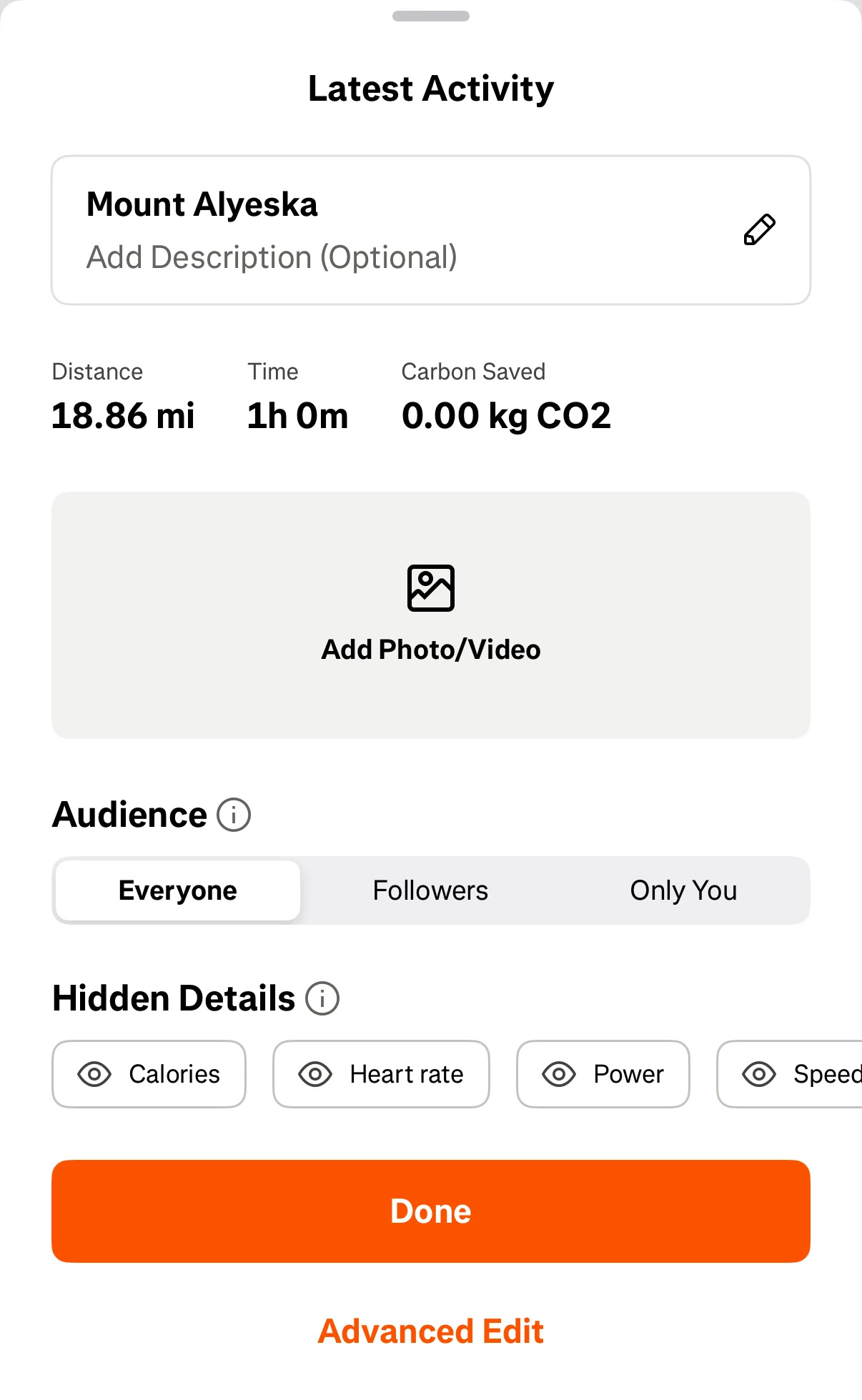
I’m not sure if this is already known or if it helps troubleshoot, but the CO2 data also shows up on the card that pops up when another service has uploaded a new activity. Judging by the fact that it’s also only showing up on activities uploaded since Saturday, I’m guessing it’s something to do with the new activity flow.


kevlar_heart42
Forum|alt.badge.img+1

Why now do I see “CO2 saved” on the downloaded map when its not a commute but just a ride? I could give a toss on any ride how much CO2 I save or create. How do I get rid of this on the saved maps?

Paid Subscriber: Only responses I’ve received from Strava have been AI generated. Frustrating…..


Forum|alt.badge.img

I’m experiencing the same issue.


Interestingly, when I rode the same course a week ago, the elevation gain was displayed correctly.


I hope it will be fixed soon.


Forum|alt.badge.img+1
  • Hub Starter
  • July 22, 2025

@BradF ​@Wattnissen Thanks both for letting us know! Just forwarded this information over to our team. Once additional updates are available, will update this thread. 

Hi ​@Marya, also having the same issue. Force-closed the app, restarted the device, and the workout is flagged as a workout. The data was uploaded from a Garmin Edge 540 to an Android device running version 15.

Thanks


Forum|alt.badge.img

Hello. I’m a paying user and I have the same issue. I tried to restart the App (iPhone version) but no change. Thanks. Franck


I tried with an “old” activity (from last Friday) : it works ok (with elevation), but from Saturday, it shows CO2 = okg in place of elevation.


Forum|alt.badge.img
  • Hub Starter
  • July 23, 2025

I had the same problem with a tour from Sunday. However, after reading the comments, I checked my Strava again and somehow it shows the altimeter again when sharing. (unfortunately I don't know if my app updated automatically or if it's just fixed. So there is hope :D