Feedback on New Map Engine (using web interface)

  • December 16, 2025
  • 19 replies
  • 332 views

Forum|alt.badge.img+10

As Strava has been working to expand the Fatmap engine to web, I want to make this post to point out the things it does decently, mostly misses the mark on, and really needs to do better at. I use Firefox on a Windows machine to inform my experience. I’m using an activity from a friend as examples and the opinions may not apply to other sports since cycling is my main type.

Activity Overview:
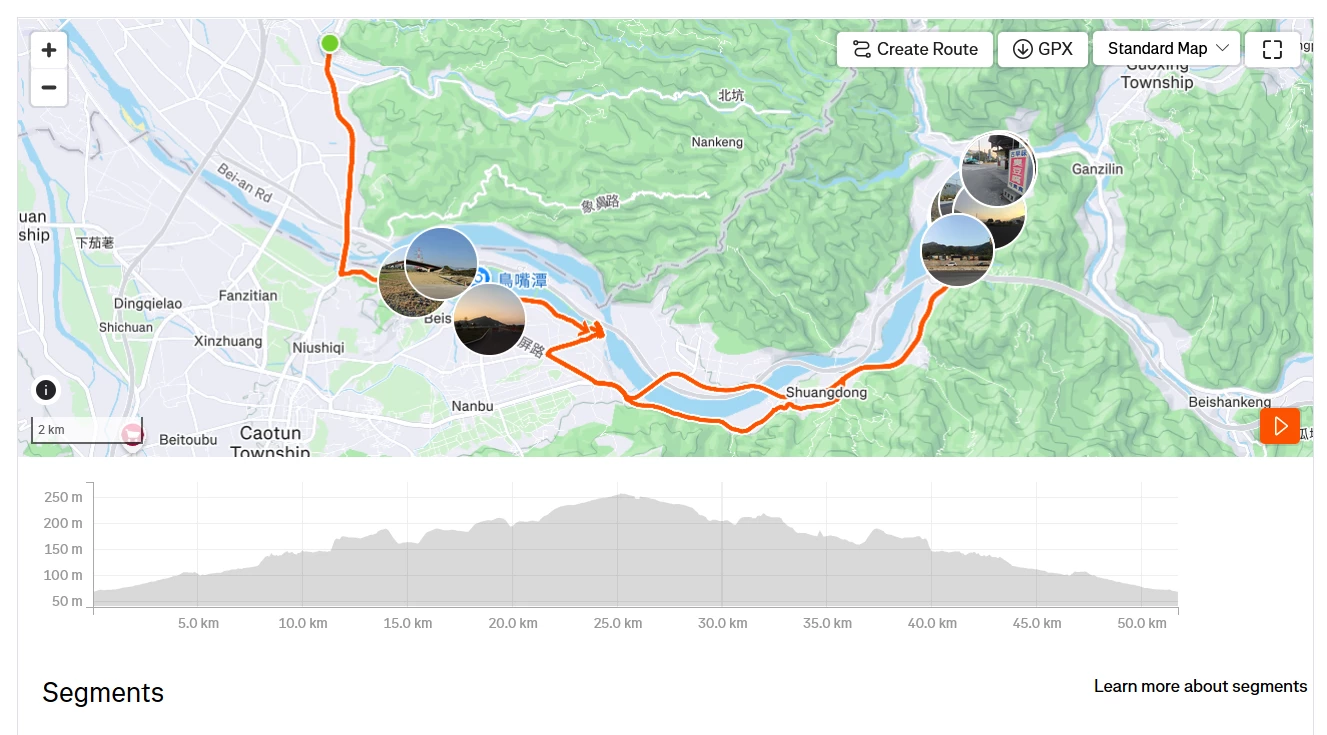
  • Map window should still be resizable. Edit: JS workaround by ​@E995a1ad 

  • You cannot scroll to zoom while hovering over a photo (scrolls the whole page). Ideally the photo is exactly where you want to zoom into.
  • Geolocated photos should be toggleable.

  • Playback of flyover should also have a playhead on the elevation graph.

  • Flyover should hide the user photos or at least not obscure the line. Perhaps a pointy teardrop shape and staggered z-axis elevation to lift them from the plane?

  • “Create Route” button should still say “save route” instead, unclear as-is

  • Mousing over the line should reflect the location on the elevation profile, as before.

  • Viewing in fullscreen should allow rotation EDIT: holding right mouse button or ctrl (possibly cmd on Mac) and mousing left to right allows rotation

Activity Analysis:
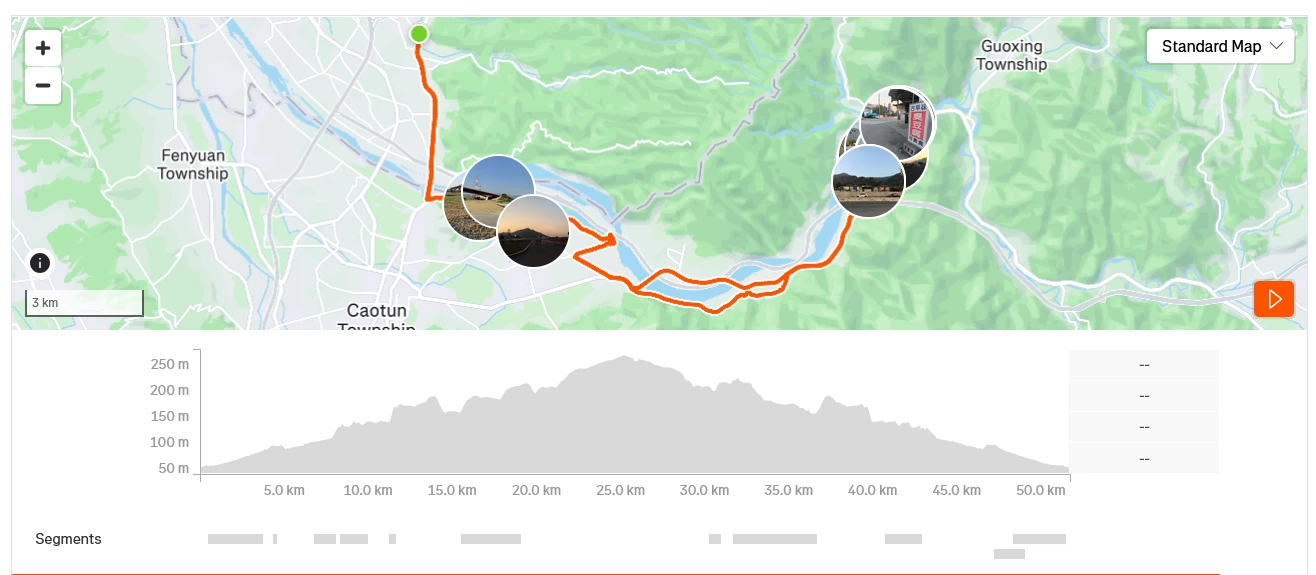
  • Same as above BUT the photos should be off by default since the user is probably looking closely at the route in this mode.
  • Flyover should be able to play the user-selected area.

Saved Routes:
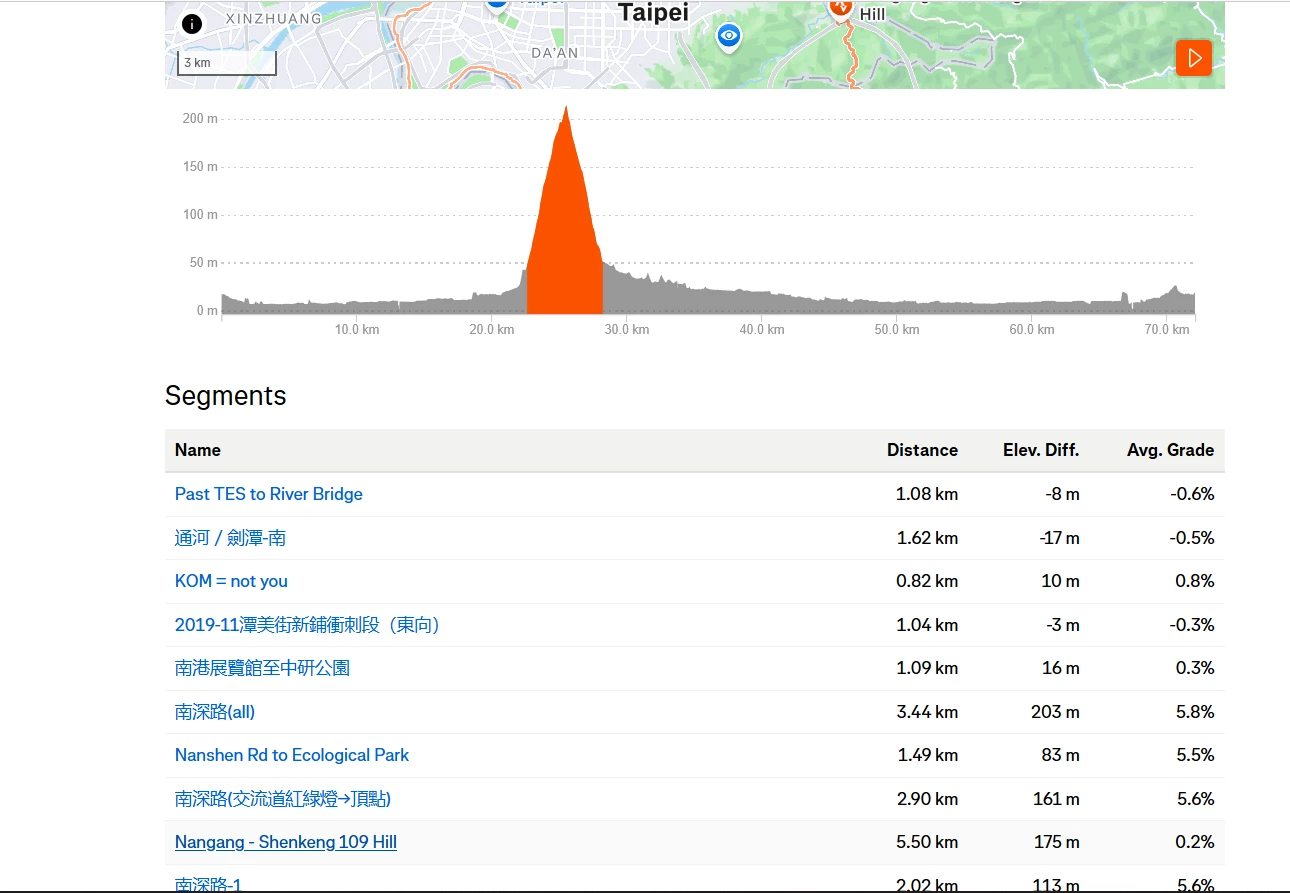
  • A mini map and elevation profile should hover over the list of segments as you scroll. It’s tough to see but as you mouse over segments they highlight on the elevation and map but once you scroll a bit, they aren’t visible anymore. I’ve selected one which is just visible in my example.

General: 

  • Scroll to zoom feels very sloppy and loose. Could be my mouse but the previous felt just right. 
  • Allow the closest zoom level - 5m. Presently it zooms to 5 then snaps back to 10m EDIT: sometimes 10 snapping back to 20
  • Map tiles or 3D relief unload and reload when panning and zooming, slowing performance. 3D should be toggleable.
  • The new/updated map tiles have more topographic lines, which is good, but the colors and shading make maps appear rather flat on web and in the app.
  • High CPU use
  • Too few control points make the blue dot jumpy and imprecise when following the line, especially when zoomed in.


These are just my observations and wishes after getting the feature a few days ago, particularly in comparison to the last version which worked reliably and predictably. I may update the post if I discover other rough spots and encourage others to post their feedback as well. I hope my feedback could be useful especially once this engine comes to the main map and route planner.


19 replies

Forum|alt.badge.img+10
  • Author
  • Superuser
  • December 16, 2025

Other threads where users are finding usability issues:


Forum|alt.badge.img
  • Hub Starter
  • December 16, 2025

Just putting in my +1 for the resizing of the map window on desktop. Super frustrating that on a 4k monitor it’s limited to 1035x350 pixels.

Really not a fan of it. Its a big backwards step.


Jan_Mantau
Superuser
Forum|alt.badge.img+27
  • Superuser
  • December 17, 2025

And the new map always centers on Null Island and maximum zoom out at the start instead of displaying the route. At least for me.


Forum|alt.badge.img+19
  • Hub Powerhouse
  • December 17, 2025

I also would like to see the reinstatement of the capability to re-size the map.

On the positive side, I like the way it highlights Segments when I move the mouse over a list in an Activity.

I wasn’t aware that the maps were about to be changed - does Strava generate Release Notes, or similar, to alert users about what they are doing ?


Forum|alt.badge.img+19
  • Hub Powerhouse
  • December 17, 2025

...further to my earlier comment about Segments being highlighted on the map when I move over the names on the Overview page - this is fine but a bit worthless after the first 5 or 6 Segments as the map scrolls off the page.  Could the same functionality be added to the Analysis page so Segments are highlighted on the map as I move over the Segment bars under the map ?

My other feedback is I still haven’t figured when the map is going to zoom and when it is going to move.  Are there some instructions ?


Jan_Mantau
Superuser
Forum|alt.badge.img+27
  • Superuser
  • December 17, 2025

...further to my earlier comment about Segments being highlighted on the map when I move over the names on the Overview page - this is fine but a bit worthless after the first 5 or 6 Segments as the map scrolls off the page.  Could the same functionality be added to the Analysis page so Segments are highlighted on the map as I move over the Segment bars under the map ?

My other feedback is I still haven’t figured when the map is going to zoom and when it is going to move.  Are there some instructions ?

If you hold the left mouse button longer before you move the mouse the map will zoom instead of moving.


Forum|alt.badge.img+19
  • Hub Powerhouse
  • December 18, 2025

Thanks ​@Jan_Mantau  - that works fine.  Don’t know why I didn’t think of that 🤦‍♂️😀


Jan_Mantau
Superuser
Forum|alt.badge.img+27
  • Superuser
  • December 18, 2025

Thanks ​@Jan_Mantau  - that works fine.  Don’t know why I didn’t think of that 🤦‍♂️😀

I’m more interested why Strava deemed it a good idea to implement such an anti-intuitive mouse procedure without explanation, zooming instead of dragging happens all the time unintentional. But ​@arc88  had already established in this thread that nothing Strava did with the map has any real use and many things got worse.


Forum|alt.badge.img+10
  • Author
  • Superuser
  • December 18, 2025

If you hold the left mouse button longer before you move the mouse the map will zoom instead of moving.

Whoa I did not notice that before, pretty counterintuitive  


Forum|alt.badge.img
  • Hub Starter
  • December 20, 2025

I agree on everything this post, especially about how the ability to resize the map has been removed, and how the activity photos cannot be hidden.


Forum|alt.badge.img

Resizing the map is a basic requirement, I don’t want to go full screen, I just need to be able to see the map at a size that allows me to see other info, but not as a skinny letterbox view, massive backward step.


  • Hub Starter
  • December 22, 2025

It is frankly insane that Strava removed the ability to resize the Map window. Also, why can’t I view the map of an activity in 3D anymore? The map is till able to be 3D, it in fact turns 3D when I click on the flyover, so why in the world would you disable it when just browsing the map? First you took Fatmap from us “to improve Strava” and now Strava is being made more crappy? Thanks for nothing.


Forum|alt.badge.img+10
  • Author
  • Superuser
  • January 2, 2026

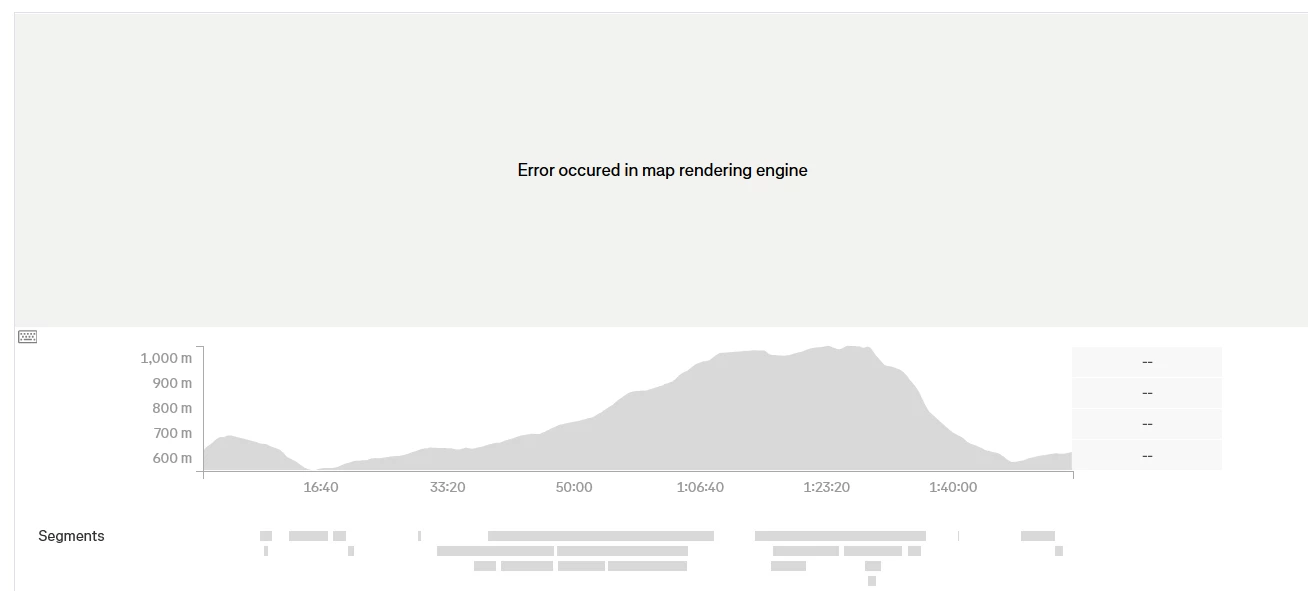
Today, 1/1/26 the map on activities will not load giving this error message on Firefox and Chrome (no extensions): 

EDIT: This seems to be resolved for now.


Forum|alt.badge.img

Does anyone know if there are any plans to sort out the resizing of the map window it is so annoying being constrained like it currently is. 


Forum|alt.badge.img+1
  • Hub Rookie
  • January 7, 2026

Very bad update. 

I can’t drag the map anymore on my laptop without it most of the time start zooming instead. 

The pictures on the tracklogg are way to large.


  • Hub Starter
  • January 9, 2026

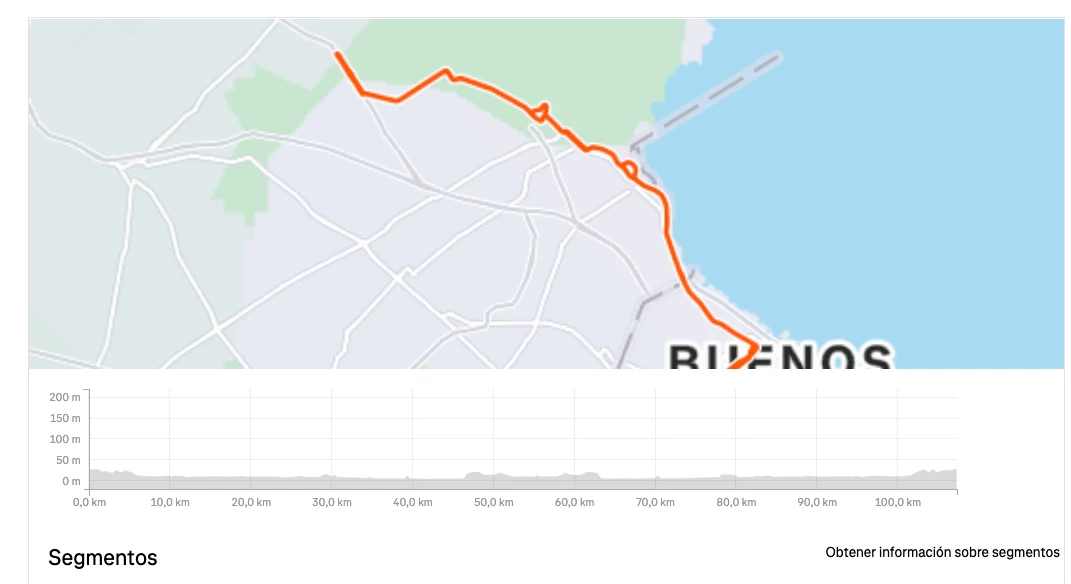
Hello, on Mac both Chrome an Safari show this fixed map. Nothing can be done. ¿Any suggestion? Thanks


Forum|alt.badge.img+1
  • Hub Rookie
  • January 15, 2026

I’ve also posted a thread about the geo-location of the photos - they are now way too large and obscure the route line, especially if you have multiple photos, sometimes even blocking out later parts of the map if your route back home came close to the place where you took a photo.

The old map engine showed photos in a much smaller box that appeared slightly above the route with a tail pointing to the exact location so it did not obscure anything. Now it’s a circle about 3-4 times the size, centred on the point and therefore in the way.


Forum|alt.badge.img

The maps do not work anymore in Windows, I tried 2 different variants of chrome, with the same results.
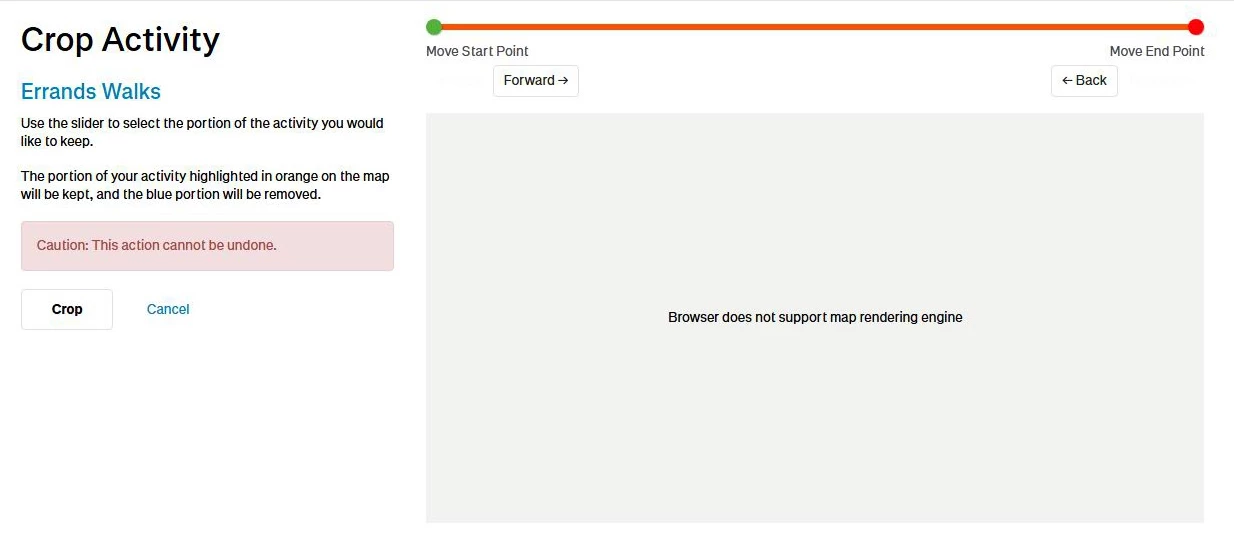
The only thing i see is a picture of the map. It cannot be zoomed in, as the zoom controls are missing. The map generates an error when trying to crop an acivity


Forum|alt.badge.img

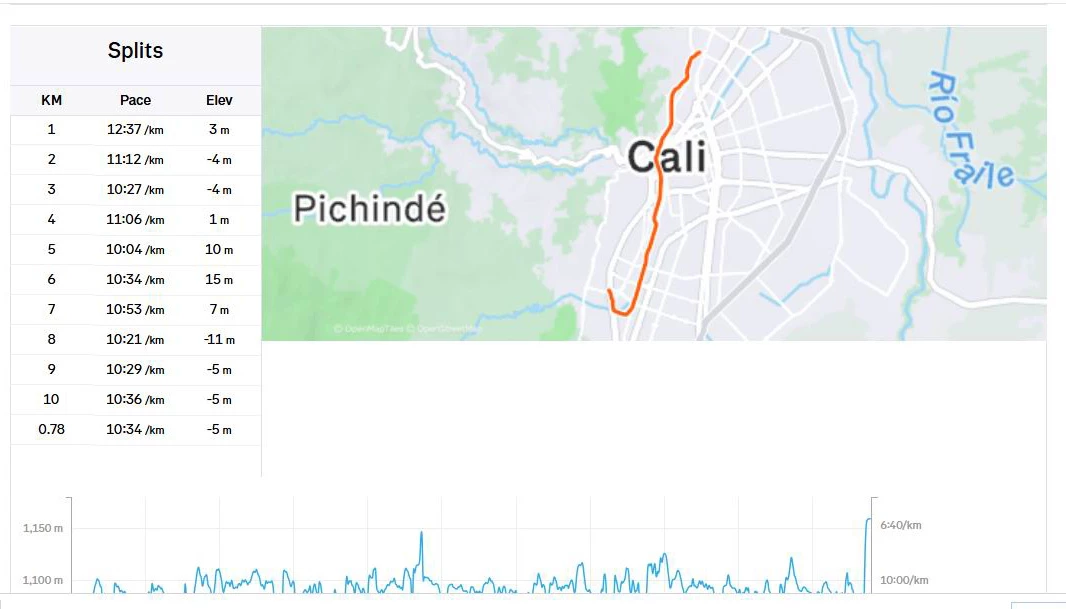
Maps do not work anymore on windows, running a variant of chrome 138, The zoom controls are not there. Only a picture of the activity shows.