Answered

I have no year in sports 2025

  • December 31, 2025
  • 6 replies
  • 248 views

Forum|alt.badge.img

I don't have a sports year and I'm a subscriber. I've tried everything: updating the app, deleting and redownloading it, logging out and back in... What else can I do?

Best answer by KitPThompson

I finally sorted it. Uninstalled app. Downloaded again. Logged in and it's there and link works! Hooray! 

6 replies

anchskier
Forum|alt.badge.img+28
  • Hub Superuser Alumni
  • December 31, 2025

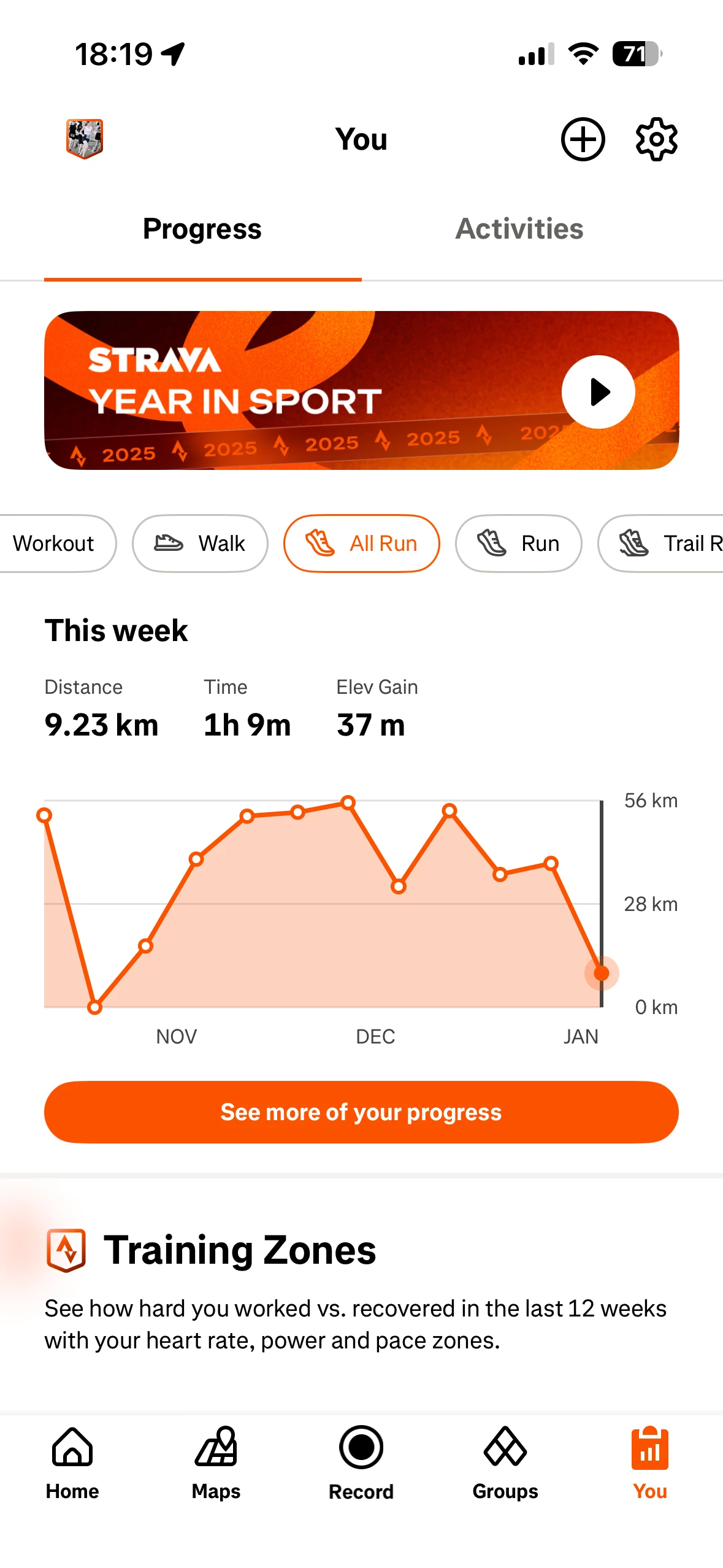
Have you looked in the app under the “you” tab on the bottom?  When you open the app, click on “you” in the bottom right.  I am seeing the “year in sport” right at the top of that page.


Forum|alt.badge.img+1
  • Hub Starter
  • January 1, 2026

Same here. I am a paid subscriber. I have had this automatically generate every year from around mid-late December for my yearly stats, since I joined in 2022.. Just not there this year. Other users have it no problem. Not yet found a fix? Let me know if you work it out. 


Jana_S
Forum|alt.badge.img+29
  • Hub Superuser Alumni
  • January 1, 2026

@Inedlm ​@KitPThompson where are you looking? As ​@anchskier mentioned, it should be on the tab You (subtab Progress), it's on the very top:


If you can't see it there, you might need to contact Strava Support (this community hub is a discussion forum of users like yourselves, with no access to your account). Here's how: 

https://support.strava.com/hc/en-us/articles/216917777-How-Do-I-Contact-Strava-Support


Forum|alt.badge.img
  • Hub Starter
  • January 1, 2026

Yeah I’m also not getting it. Have tried literally everything and it’s still not coming up. 


Forum|alt.badge.img+1
  • Hub Starter
  • January 3, 2026

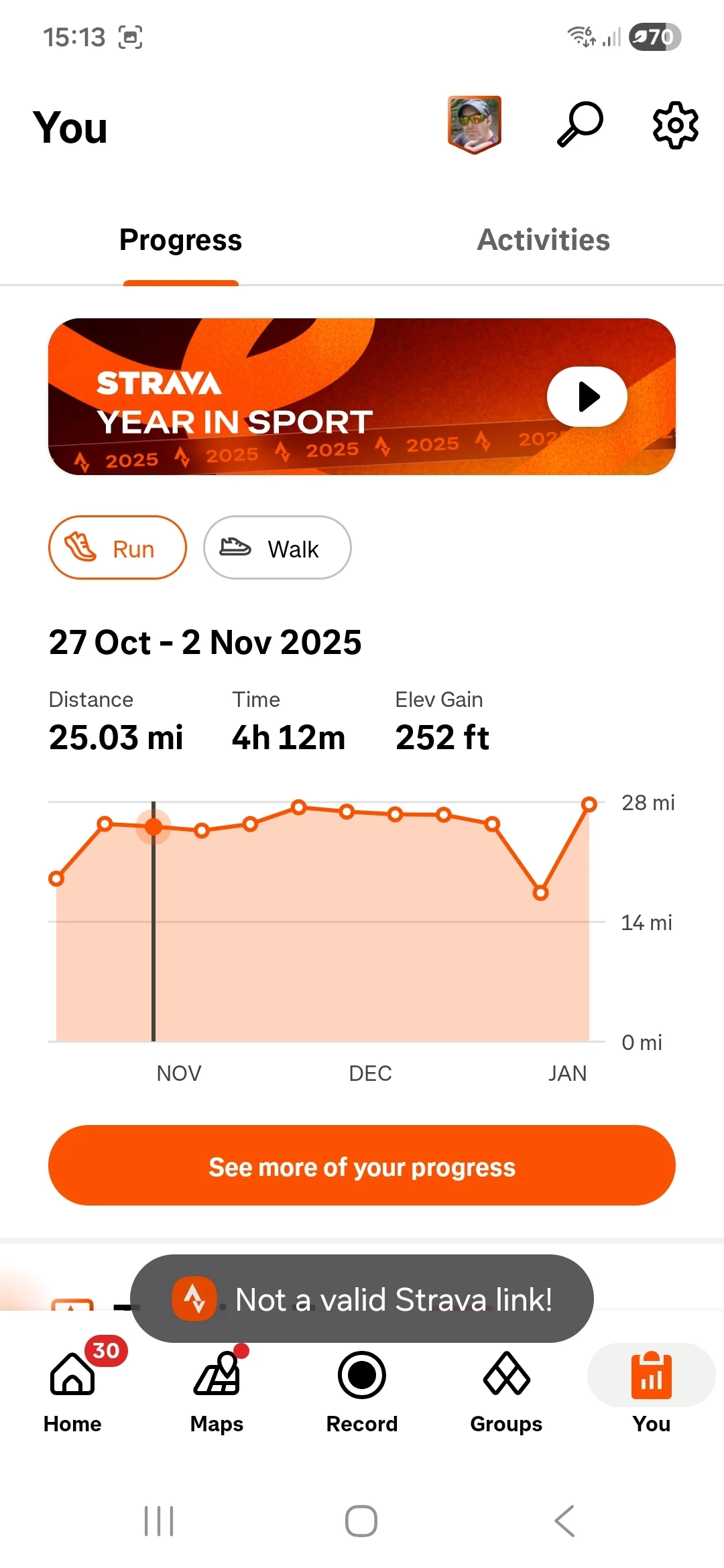
Ok. So, I updated the app from Google Play, as didnt have latest version. That has now brought up the Year in Sport, except now when I click link it doesnt work and says 'not a valid Strava link' so still can't see it 🤣. Is there any fix for those does anyone know?


Forum|alt.badge.img+1
  • Hub Starter
  • Answer
  • January 3, 2026

I finally sorted it. Uninstalled app. Downloaded again. Logged in and it's there and link works! Hooray!