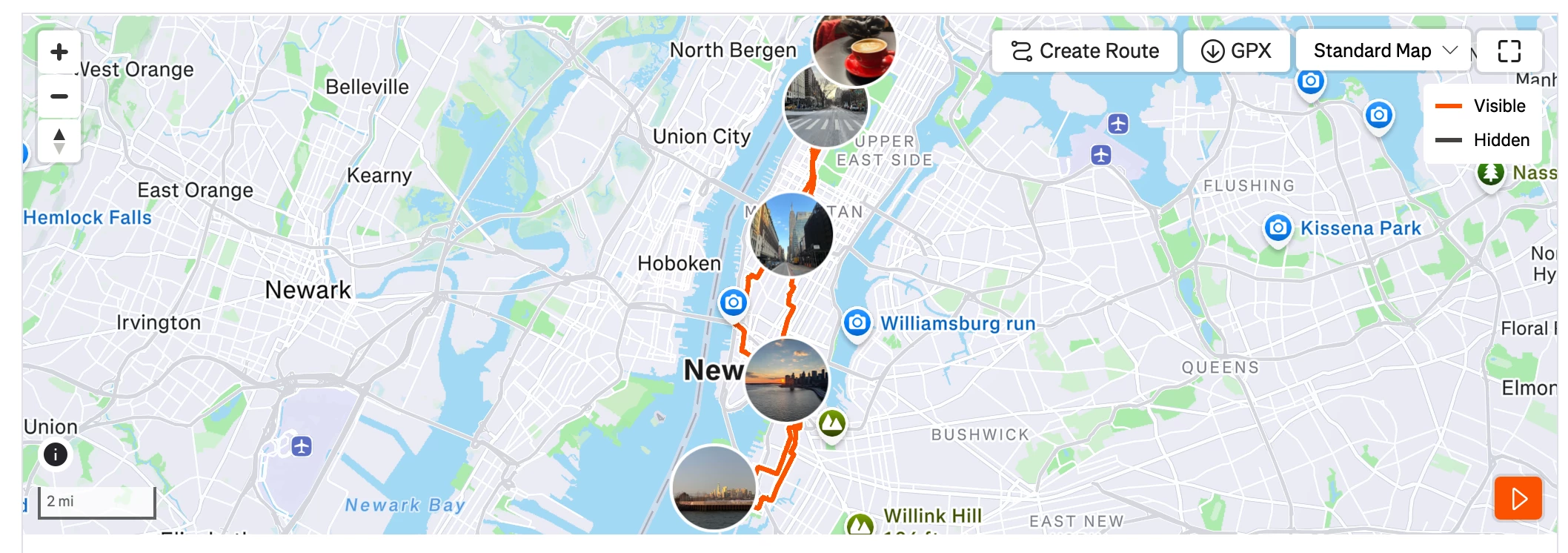
Question

Why are photos on the map so big now?

  • January 15, 2026
  • 8 replies
  • 128 views

Forum|alt.badge.img+1

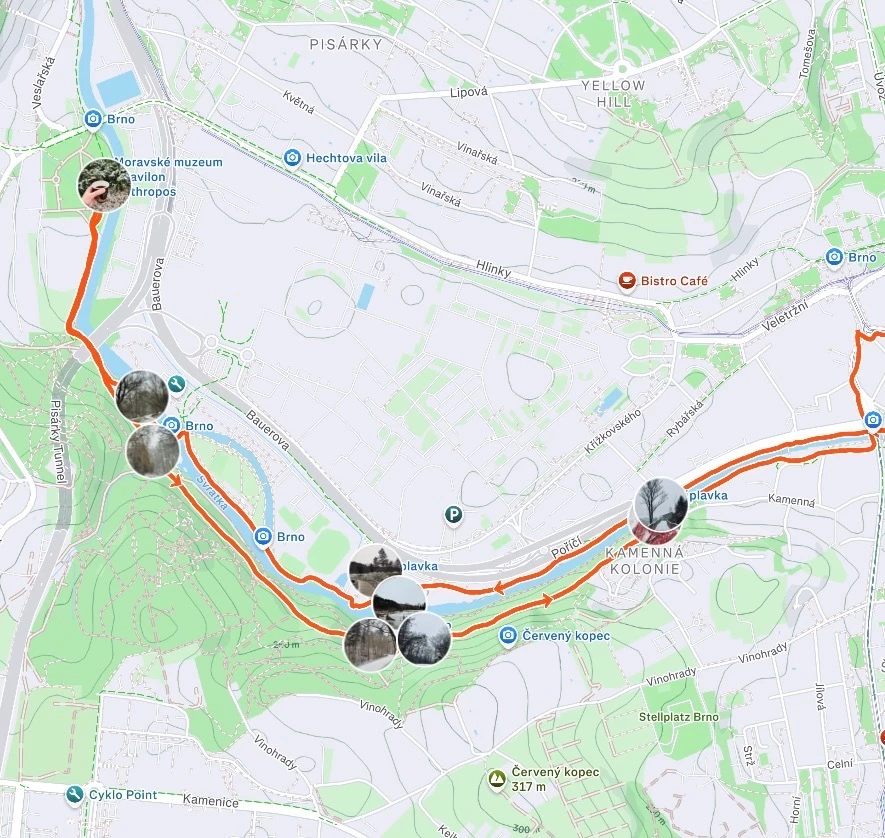
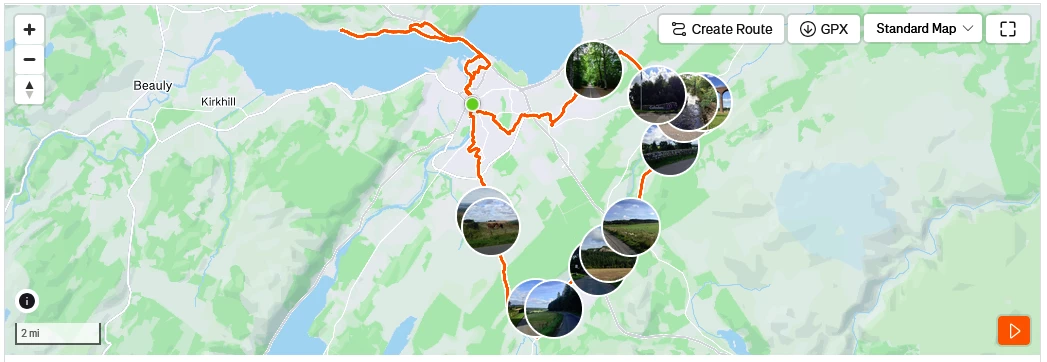
Previously if you uploaded a photo to an activity, it would appear on the map at the correct location in a small box which was unobtrusive and you could still see your route map. Now it appears in a giant circle that looks ugly and completely obstructs the route map - if you’ve got more than 3 or 4 photos on a ride you basically can’t see the orange line at all (especially now you can’t make the map bigger any longer). Can we get this reverted to the original setting please?

8 replies

Jana_S
Forum|alt.badge.img+29
  • Hub Superuser Alumni
  • January 15, 2026

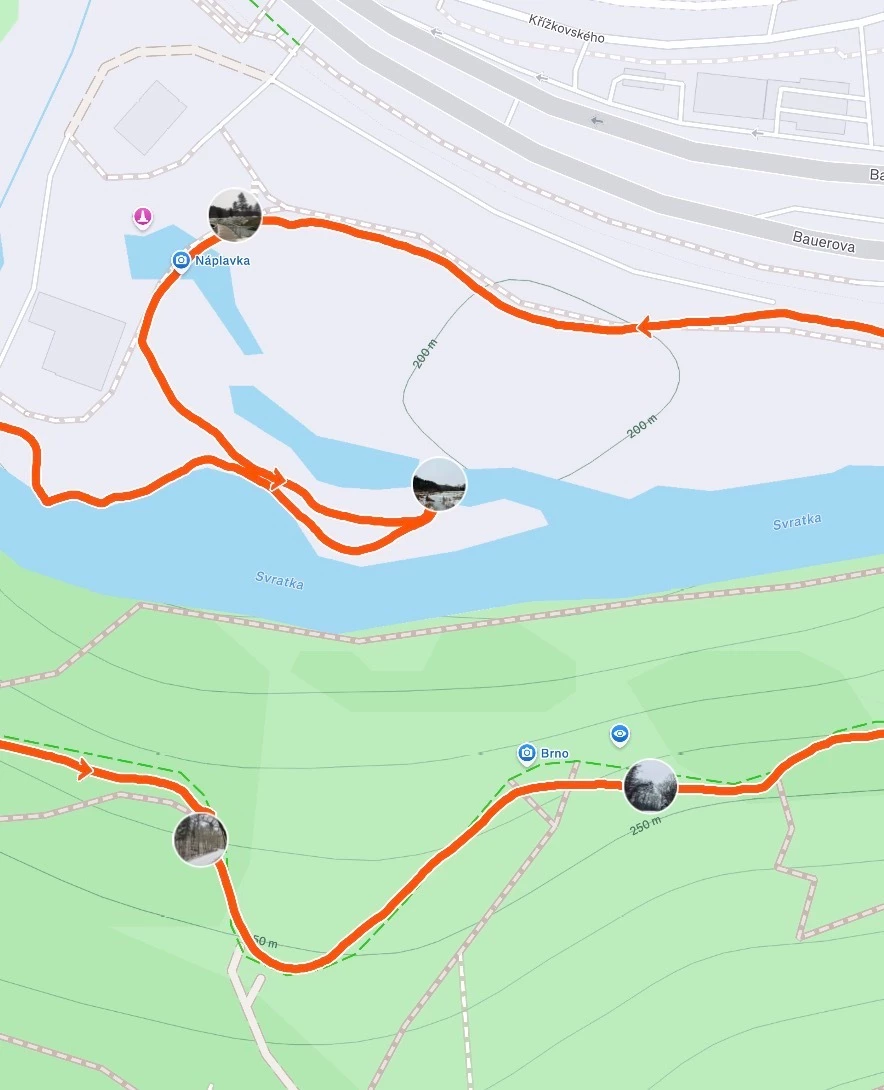
Could it be browser related? This is what it looks like in Chrome (iOS), the photo thumbnails are quite small... 


edit - yet adding a zoomed-in view of the same activity, the thumbnails shrink and aren't really in the way:


Forum|alt.badge.img+1
  • Author
  • Hub Rookie
  • January 15, 2026

This is the default view (not zoomed in or out) on Firefox on a desktop PC. Now yes I'll admit that I purposely chose an activity where I took a LOT of photos just to show it at the extreme, but even an activity with only a few photos looks way worse than it ever used to.


Forum|alt.badge.img+1
  • Author
  • Hub Rookie
  • January 16, 2026

I’ve posted a photo of what it looks like on Desktop (both Firefox and Chrome look the same) but apparently the picture needs moderating. I’ve got one ride where at the default zoom, you can’t see the orange line for about 20 consecutive miles of a 50 mile route because it’s hidden behind the photo circles.


Forum|alt.badge.img

I’ve posted a photo of what it looks like on Desktop (both Firefox and Chrome look the same) but apparently the picture needs moderating. I’ve got one ride where at the default zoom, you can’t see the orange line for about 20 consecutive miles of a 50 mile route because it’s hidden behind the photo circles.

Hello. May i ask what OS and browser are you using?
I can’t get the map zooming working anymore in windows under 2 chrome variants. Thanks


Forum|alt.badge.img+1
  • Author
  • Hub Rookie
  • January 18, 2026

Hello. May i ask what OS and browser are you using?
I can’t get the map zooming working anymore in windows under 2 chrome variants. Thanks

I mainly use Firefox on Windows 11 and zooming still works for me. Just tested it with Chrome as well and that seems fine.


Jan_Mantau
Superuser
Forum|alt.badge.img+27
  • Superuser
  • January 18, 2026

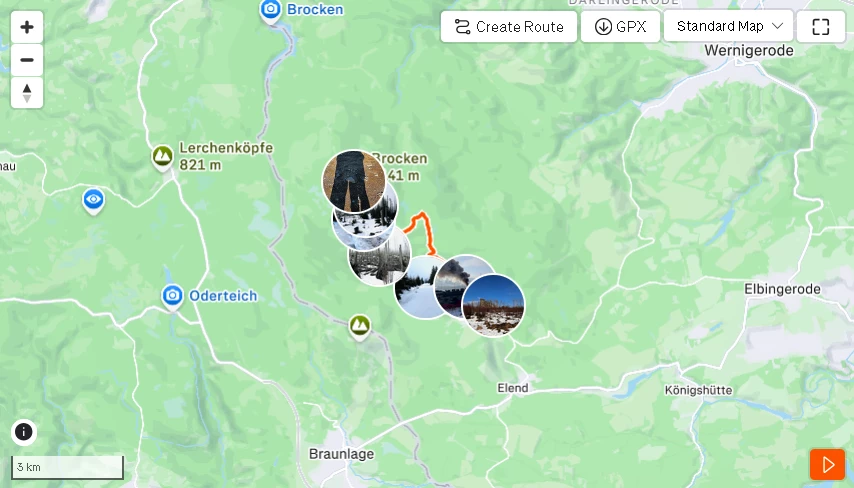
Another example of pictures obstructing the activity track: 

The former implementation with the picture outside of the track and an arrow connecting them to the track was much better.


Forum|alt.badge.img

Hello. May i ask what OS and browser are you using?
I can’t get the map zooming working anymore in windows under 2 chrome variants. Thanks

I mainly use Firefox on Windows 11 and zooming still works for me. Just tested it with Chrome as well and that seems fine.

thank you for your reply


Forum|alt.badge.img+5
  • Hub Explorer
  • January 20, 2026

Another example wondering where the track is. Default zoom in Safari on a MBP.